Real estate CRM
for GCC sales and leasing teams.
Capture leads, book viewings and manage unit reservations for projects in the UAE, Saudi Arabia, Qatar, Kuwait, Bahrain and Oman in Arabic or English.
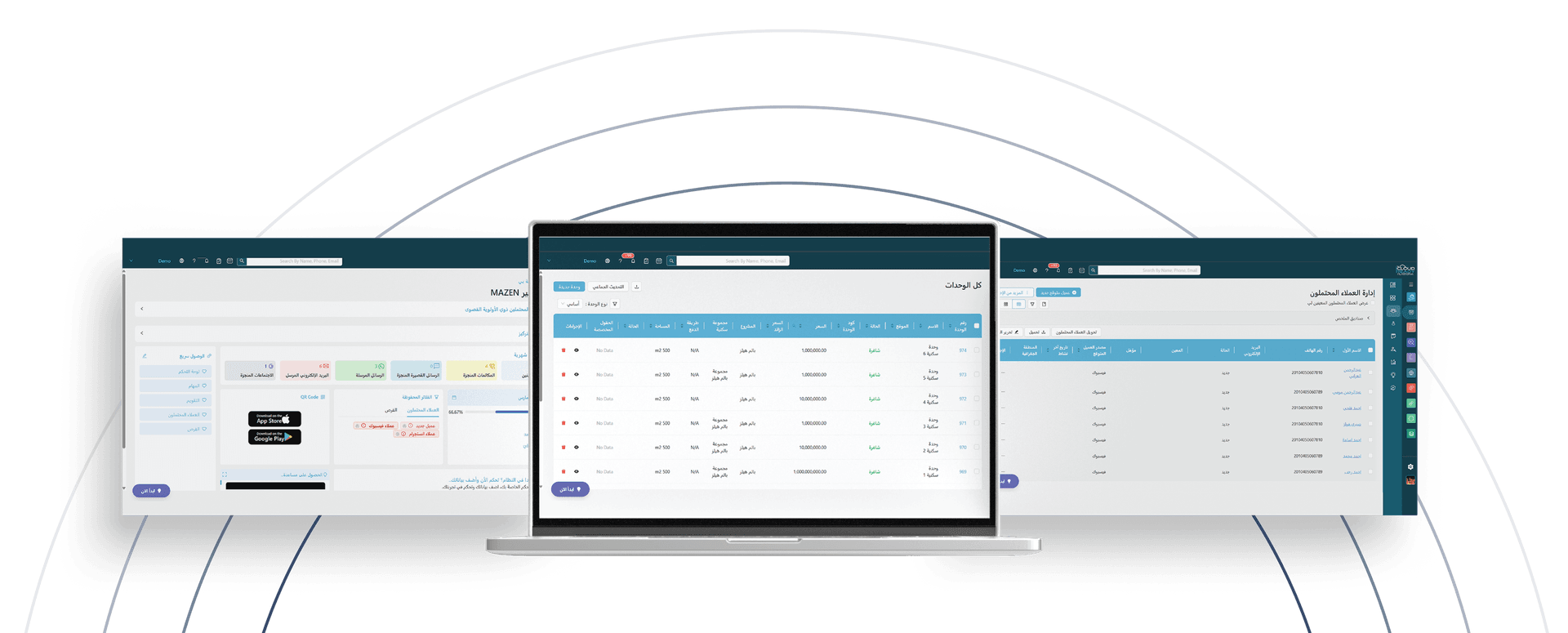
Capture, qualify, and convert in one place
Track leads, follow-ups and assignments across projects and markets.
Get the full picture of every lead
Review activity from connected channels and see the next action on each lead.
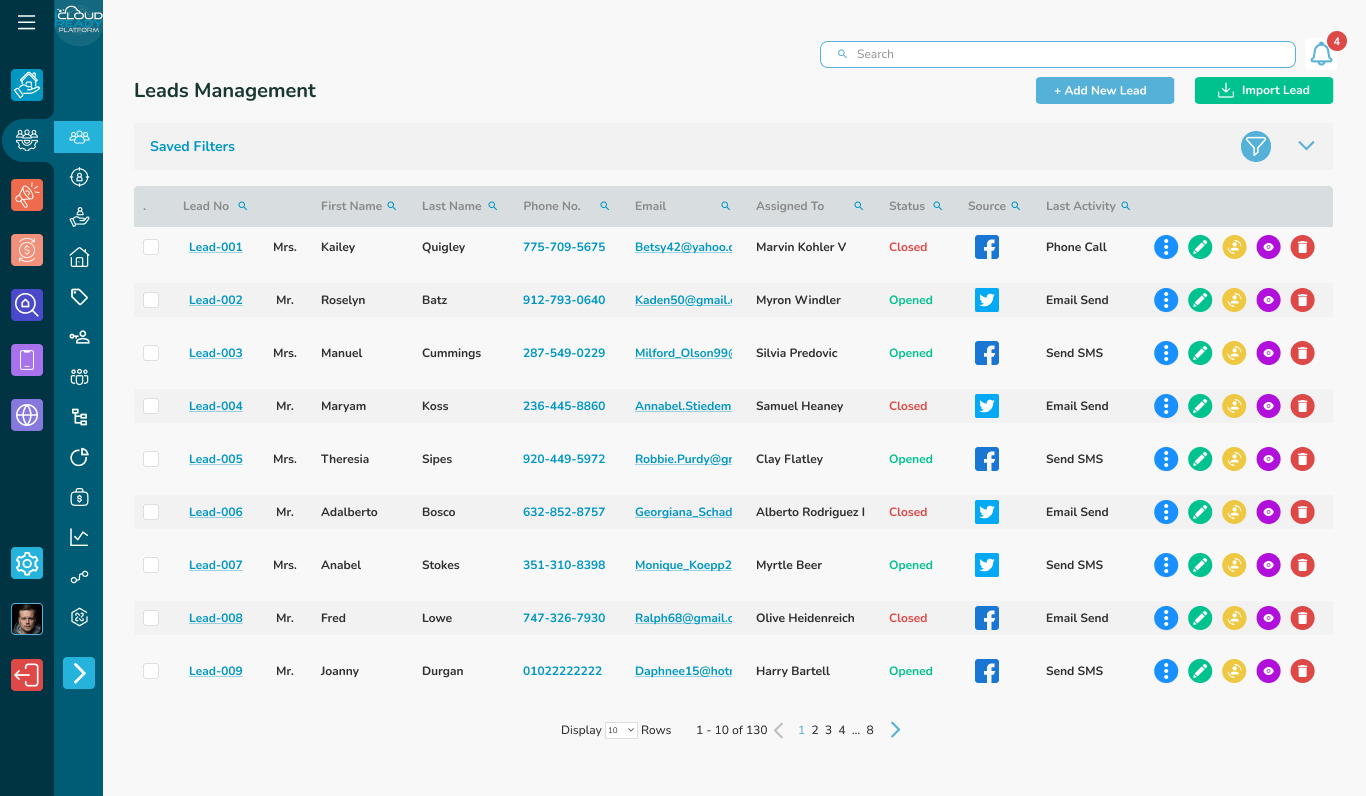
- View all lead activity from one screenEvery touch, note, and status change in a single view.
- Import / export with one clickBring leads in and out without friction.
- Smart filters, tags & custom listsSlice your pipeline exactly how you work.
- Status history & team notesSee cancellations, ownership, and context at a glance.
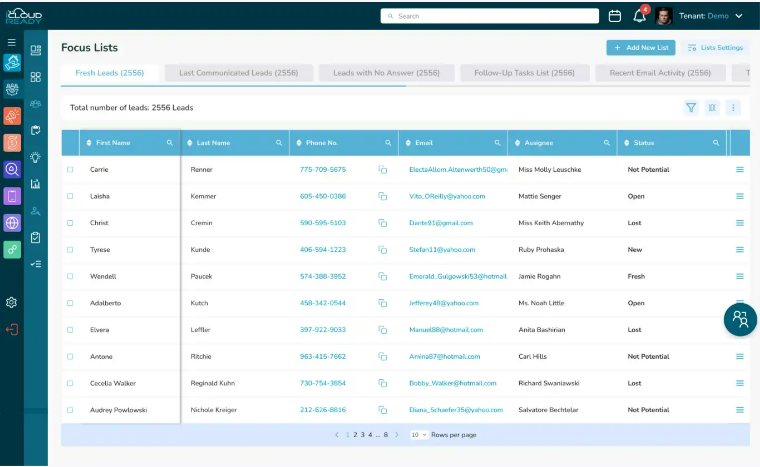
Workspaces for sales and leasing
Organize roles, reports and follow-ups around your projects.
Tailor your CRM to match your workflow
Customize what you see and how you work — with no technical skills needed.
- Design your own viewsBuild layouts with interactive filters.
- Focus lists for priority leadsSurface high-priority leads instantly.
- Calendar viewStay on top of time-sensitive follow-ups.
- Saved filters per user or teamEveryone gets their ideal workspace.
Make better decisions, backed by data
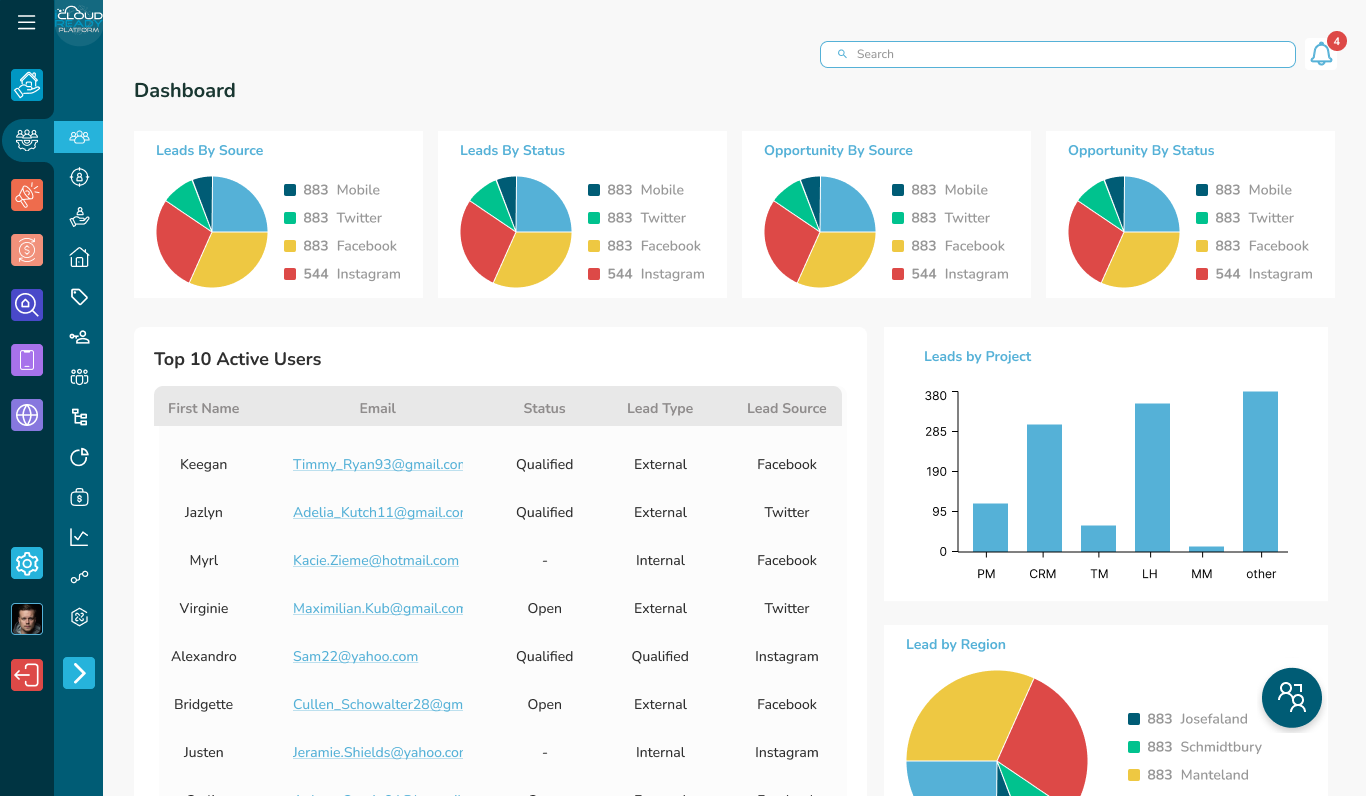
Access instant insights with real-time reports and visual dashboards across your whole pipeline.
- Meetings, SMS & assigned-lead reportsTrack the activity that drives revenue.
- Canceled leads & status changesSpot leakage in your funnel early.
- Team & owner historyVisualize ownership and handoffs over time.
- One-click export & sharingShare dashboards or export data instantly.
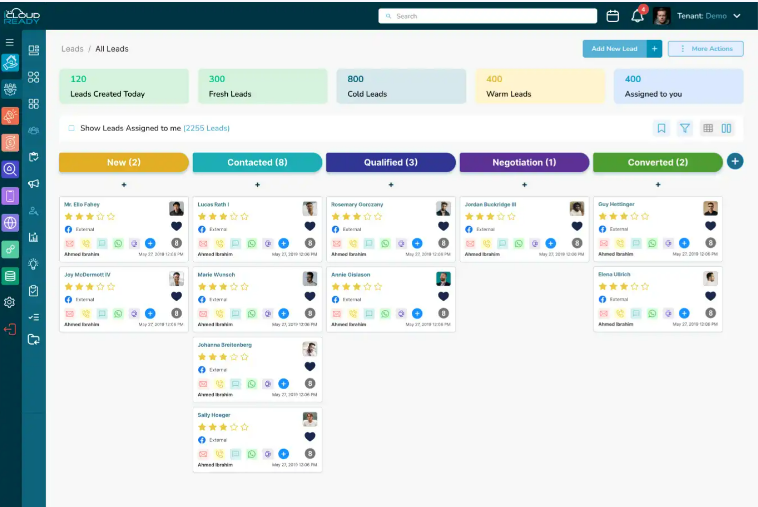
A workspace for each role
Give team members a workspace for their responsibilities and show them how to follow up.
- Intuitive interfaceMinimal training required to get started.
- Predefined to-dos & remindersTask trackers that guide new users.
- In-app tutorials & help centerAnswers right inside the CRM.
- Arabic and EnglishLanguage settings that fit your market.
Lead generation, sales and leasing
Unified inbox
Connect WhatsApp Business, Messenger and Instagram and link conversations to leads.
Connected ad and web forms
Receive leads from configured Meta, TikTok and Google Ads forms and tagged website forms.
Configurable Arabic AI replies
Configure an AI agent for Arabic replies on supported channels and enable booking against a selected link.
Assignment by project or territory
Use rules to route and rotate leads across teams based on source, project or territory.
Follow-ups and reminders
Schedule tasks and communications through configured channels.
Viewing links
Share a link for prospects to schedule a viewing with your team.
Units, reservations and installments
Track availability, set prices in supported currencies, place holds and create off-plan installment schedules.
Multiple entities
Organize workflows for multiple entities and configure billing currency and tax treatment for each market.
Reporting by team and source
Review first-response time and compare marketing results where attribution data is available.
Natively connected to the rest of iCloudReady
iCloudReady products are designed to work together — add the CRM to the modules you already run.
Real Estate CRM
Manage leads, assignment and activity across your projects.
GCC Property Management
Manage leases, billing and maintenance across your GCC properties.
Real Estate Marketing
Targeted social, email, and print campaigns built for realtors to generate more leads.
Real Estate Websites
Customizable website templates that market your services and capture leads.
GCC real estate operations guides
GCC real estate CRM questions
Who uses the GCC real estate CRM?
Developers, brokerages and leasing teams can track projects, leads, viewings and opportunities in the UAE, Saudi Arabia, Qatar, Kuwait, Bahrain and Oman.
Can we route leads to different country teams?
Use configured assignment rules by project, source or territory. Set team access and review the handoff when a prospect asks about projects in two markets.
Which lead channels can we connect?
Connect website forms and Meta, TikTok and Google Ads lead forms. The unified inbox handles connected WhatsApp Business, Messenger and Instagram conversations.
Can teams operate in Arabic and English?
Yes. Use the Arabic RTL or English web interface and review the CRM app available for iOS and Android.
Can projects use different currencies and tax settings?
Set unit prices in supported currencies and use the relevant entity’s currency for deal documents. Configure VAT in the billing setup for each market and confirm the treatment with finance.
Can we connect leads to inventory and reservations?
Track availability and holds, reserve a unit from an opportunity and generate an off-plan installment schedule or sales contract where applicable.
Walk through a GCC sales project
Bring two projects and review lead assignment, viewings, and reservations with your team.