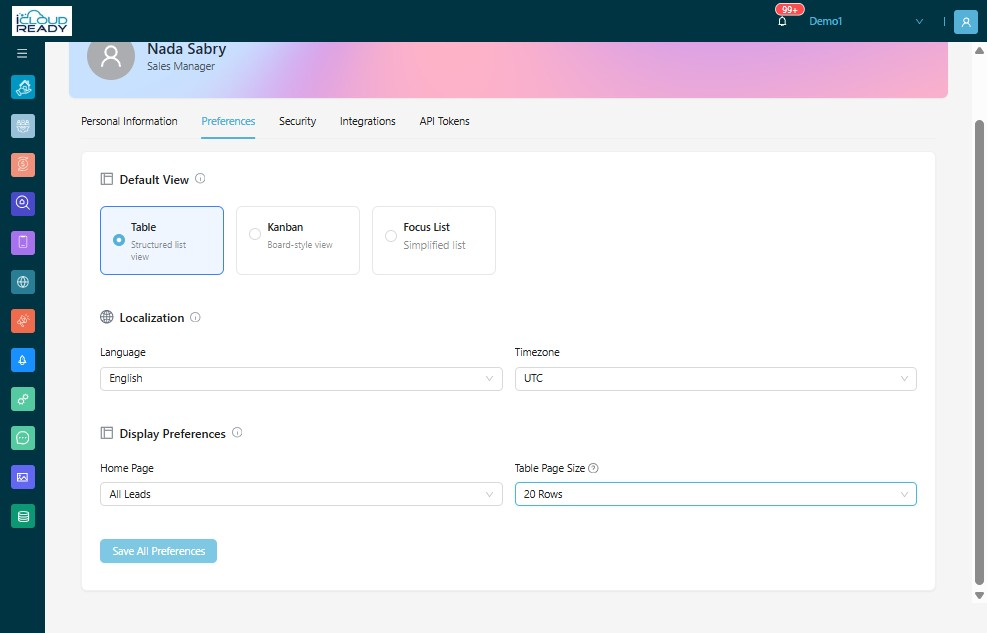
How to Update Table Page Size Preferences
Learn how to customize your CRM display settings by adjusting the table page size. This guide helps you personalize your workspace for better data navigation and improved productivity.
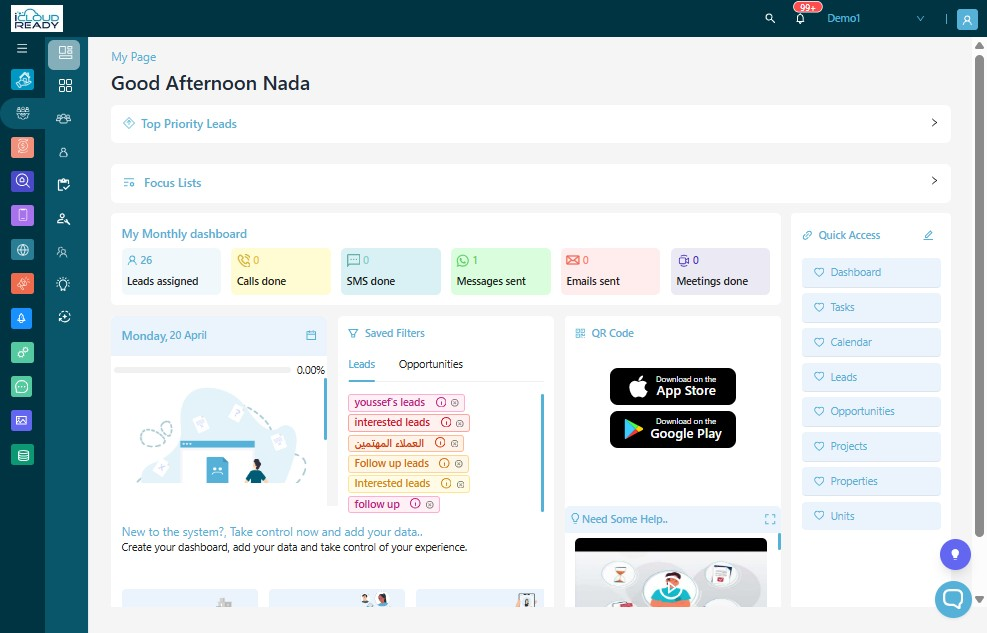
1Click "Profile Icon"
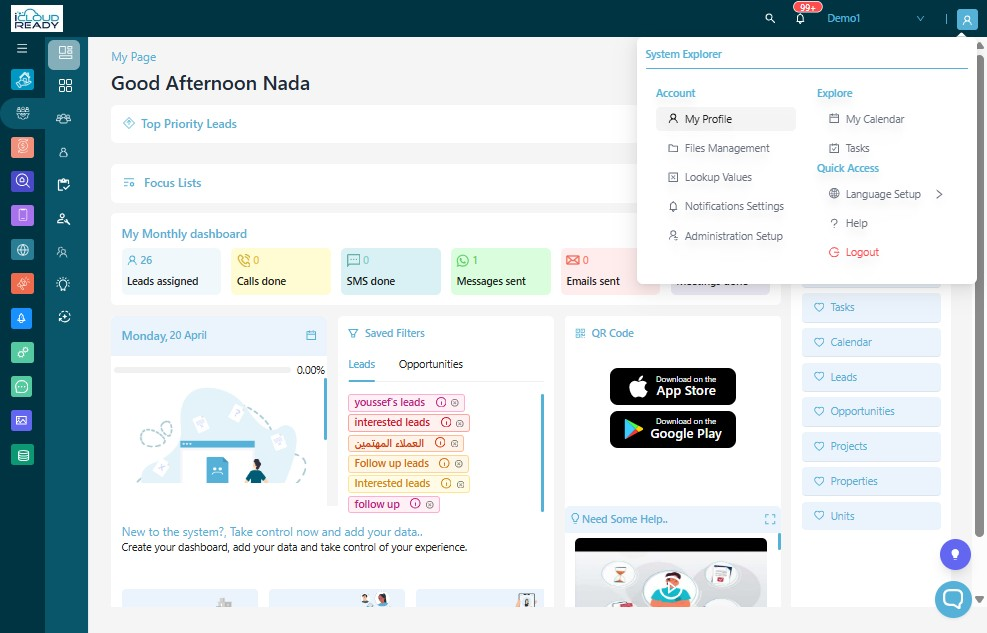
2Click "My Profile"
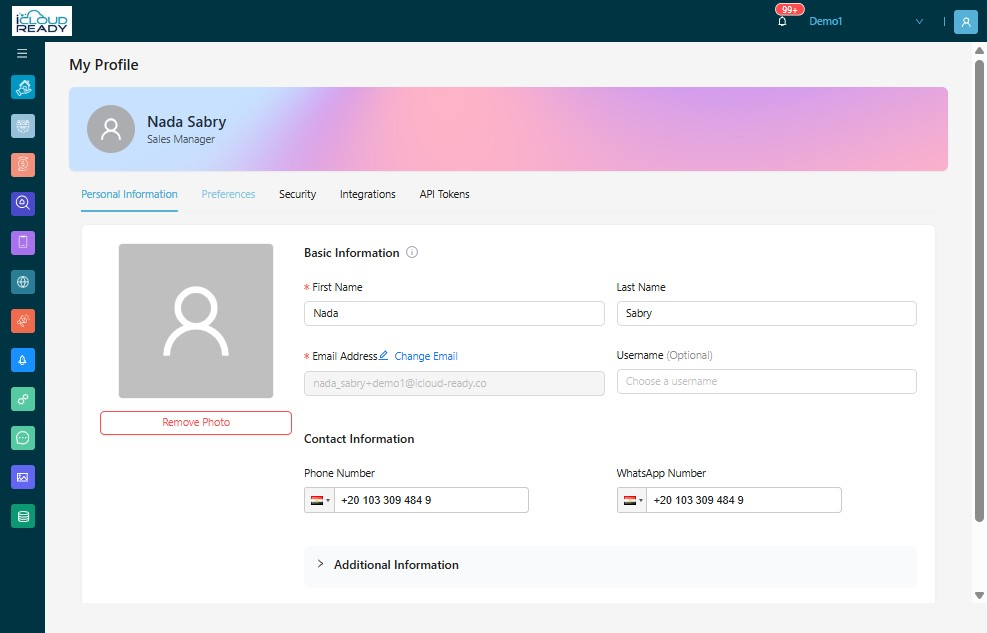
3Click "Preferences"
4Click "Table Page Size" and select "Table Page Size Preferences"
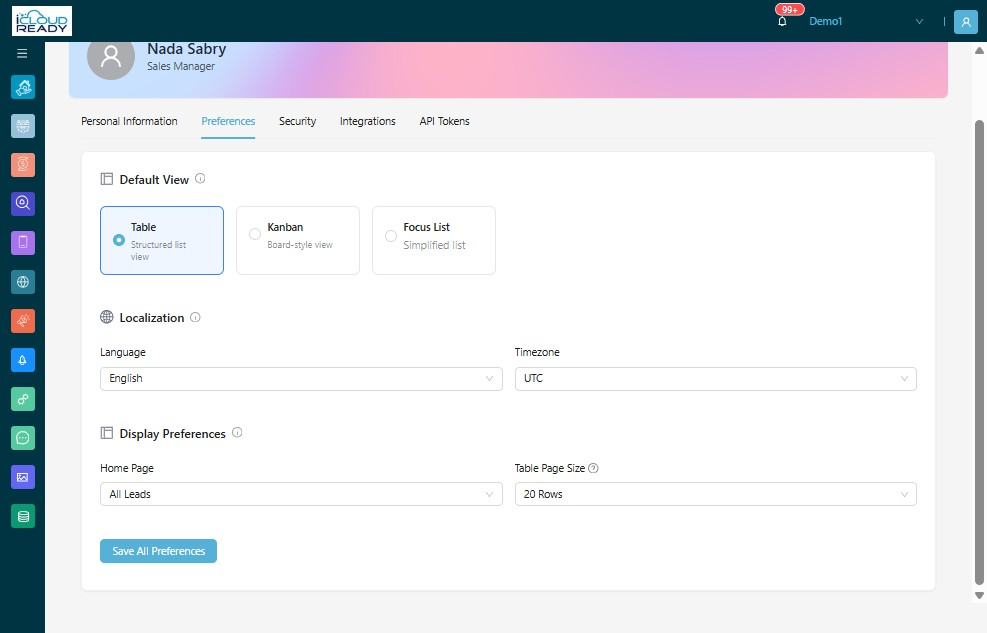
5Click "Save All Preferences"