How to Import Contact Data via CSV File
Learn how to efficiently upload and map contact information into your CRM system using a CSV template. This guide ensures your data is correctly imported and allows you to monitor the status of your upload process.
System Navigation
1Click this icon.
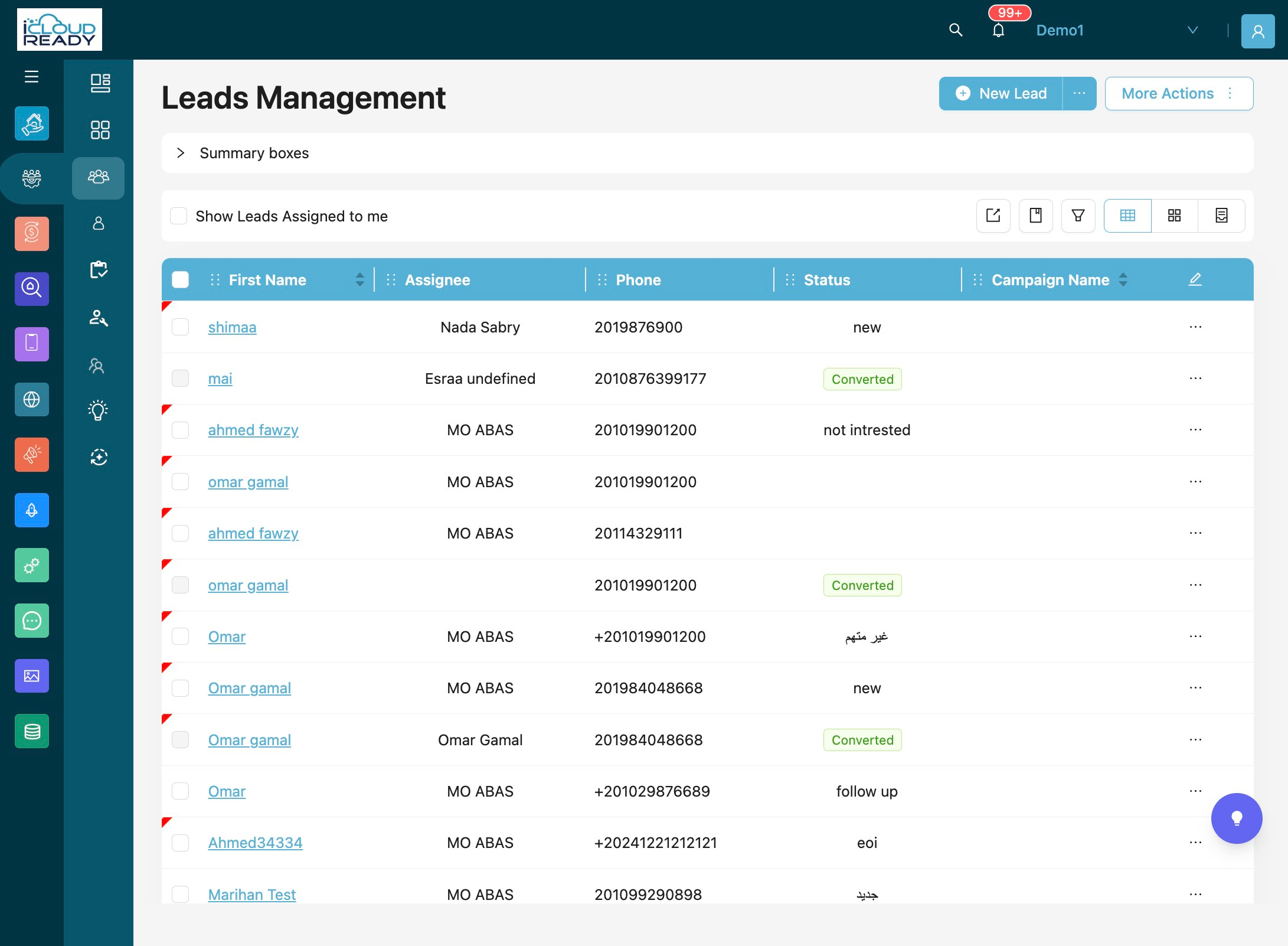
2Click "Files Management"
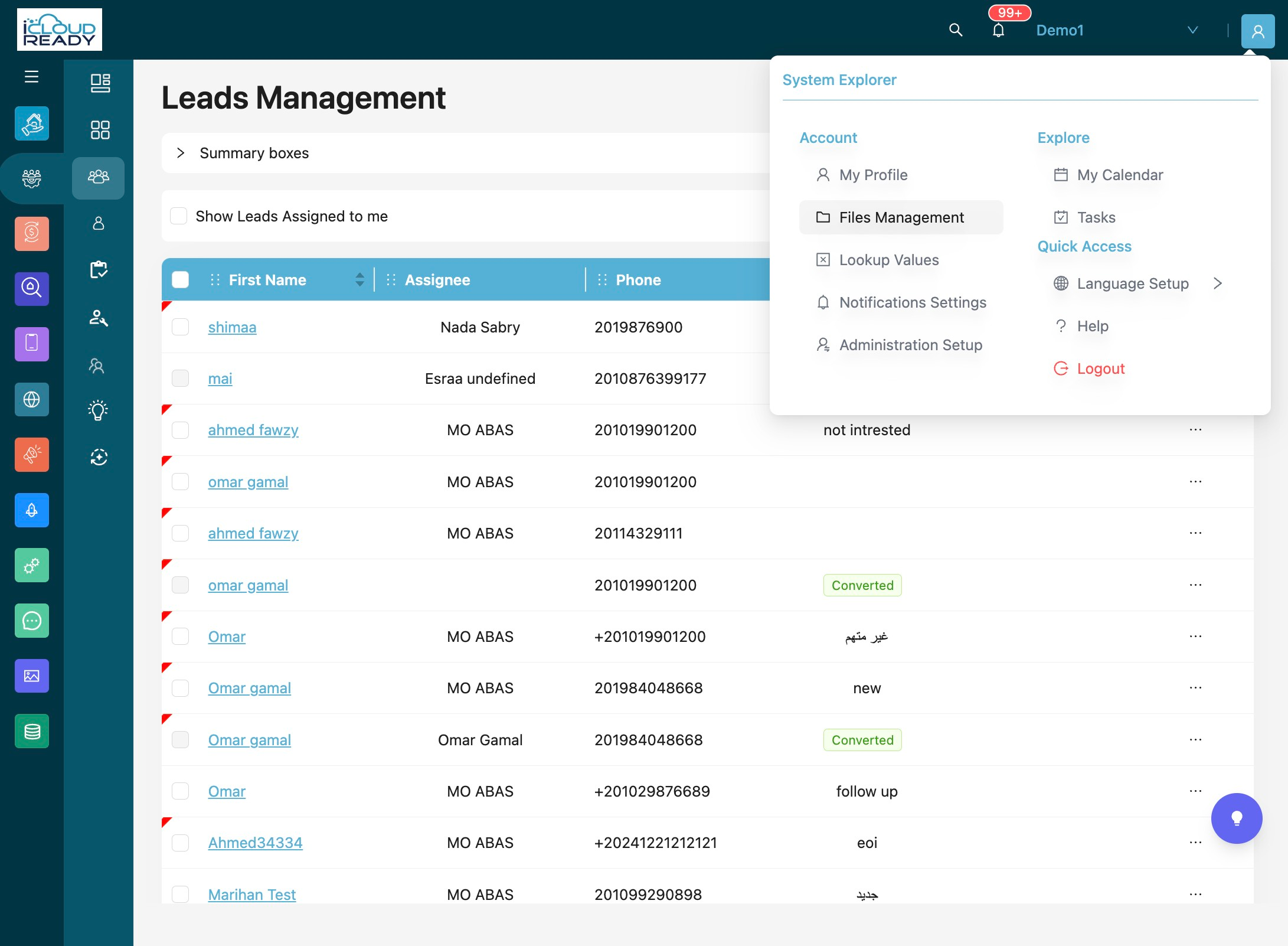
File Upload Configuration
3Click "Upload New File"
4Click "Select Object:"
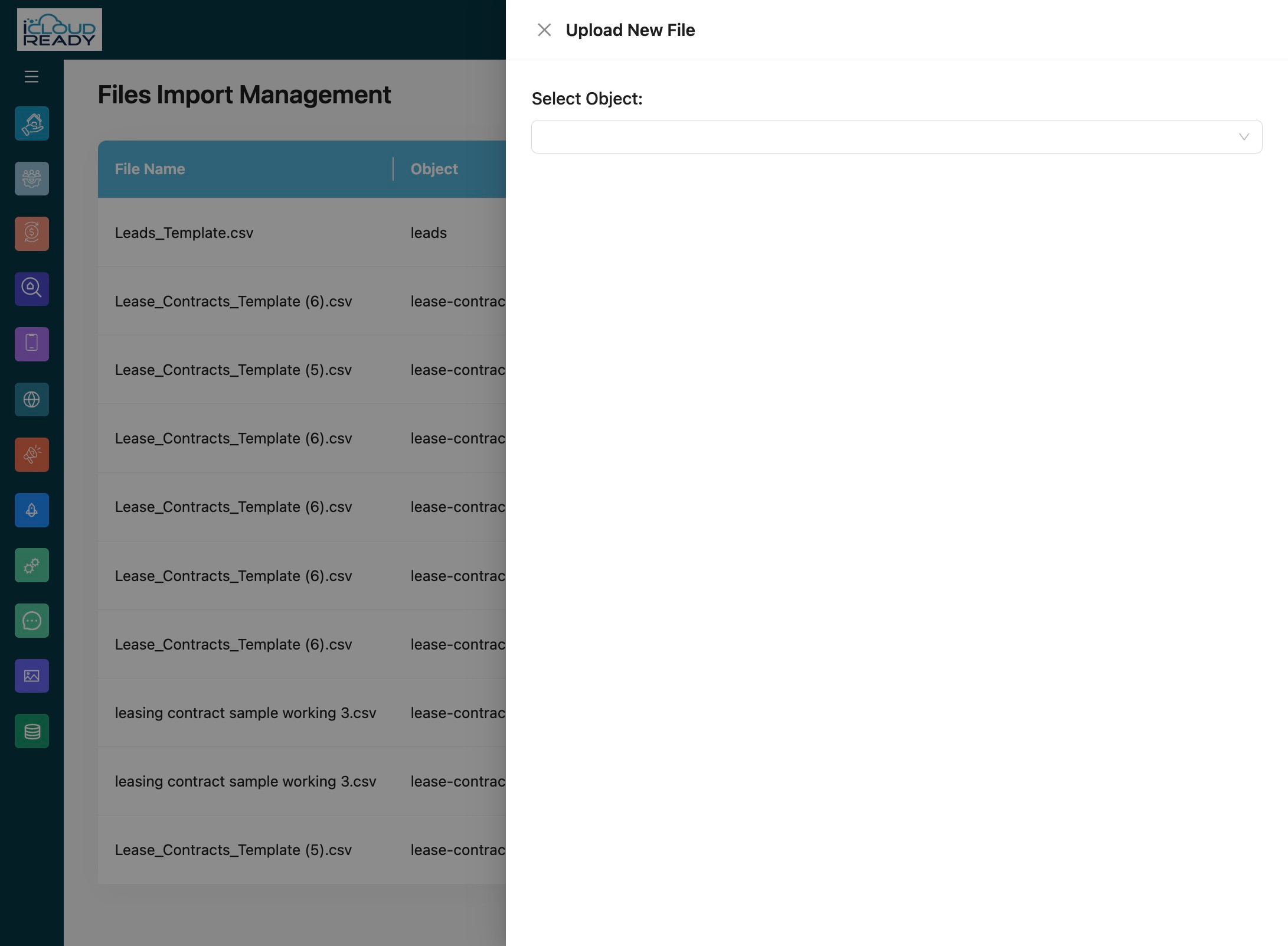
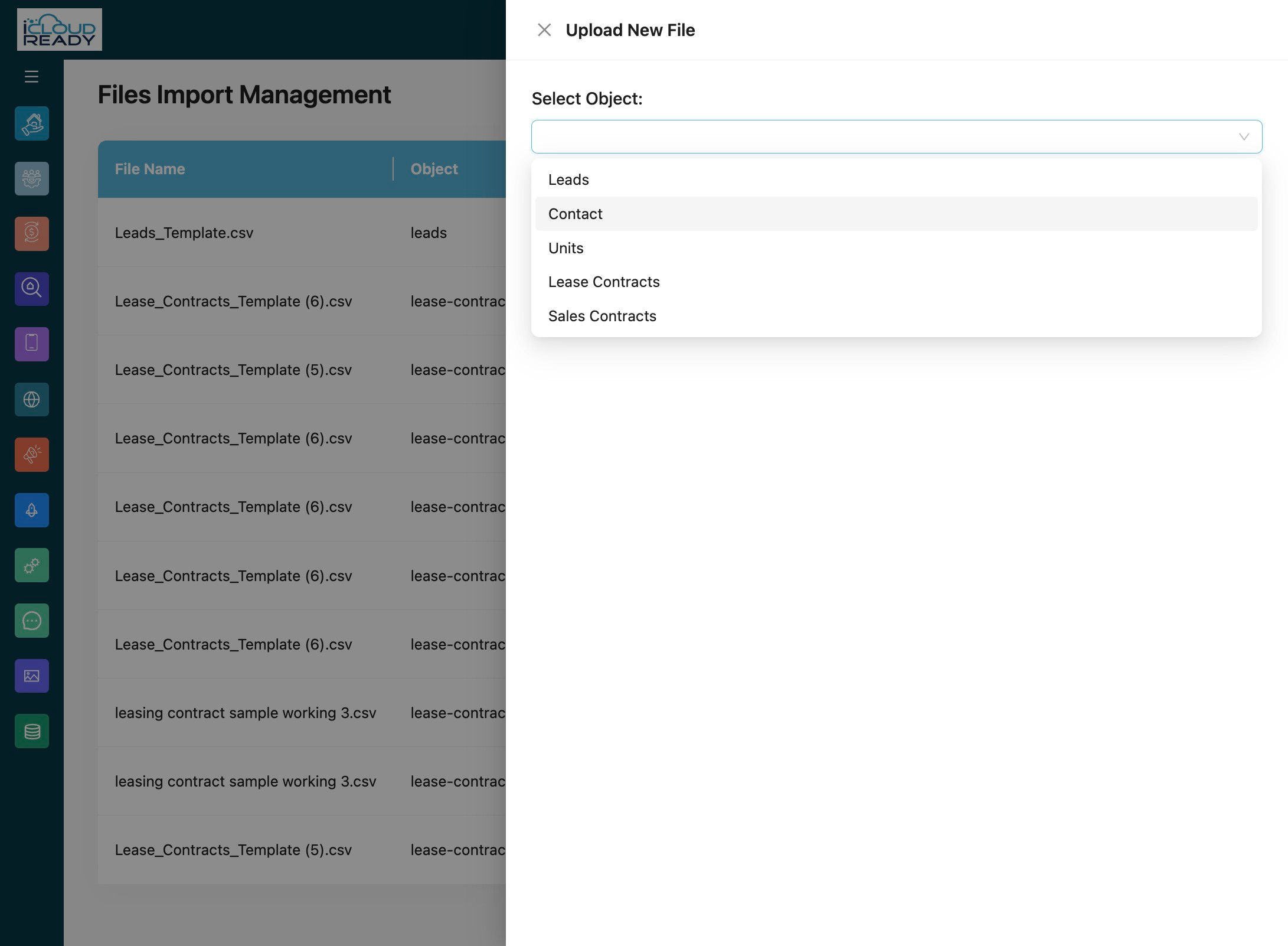
5Click "Contact"
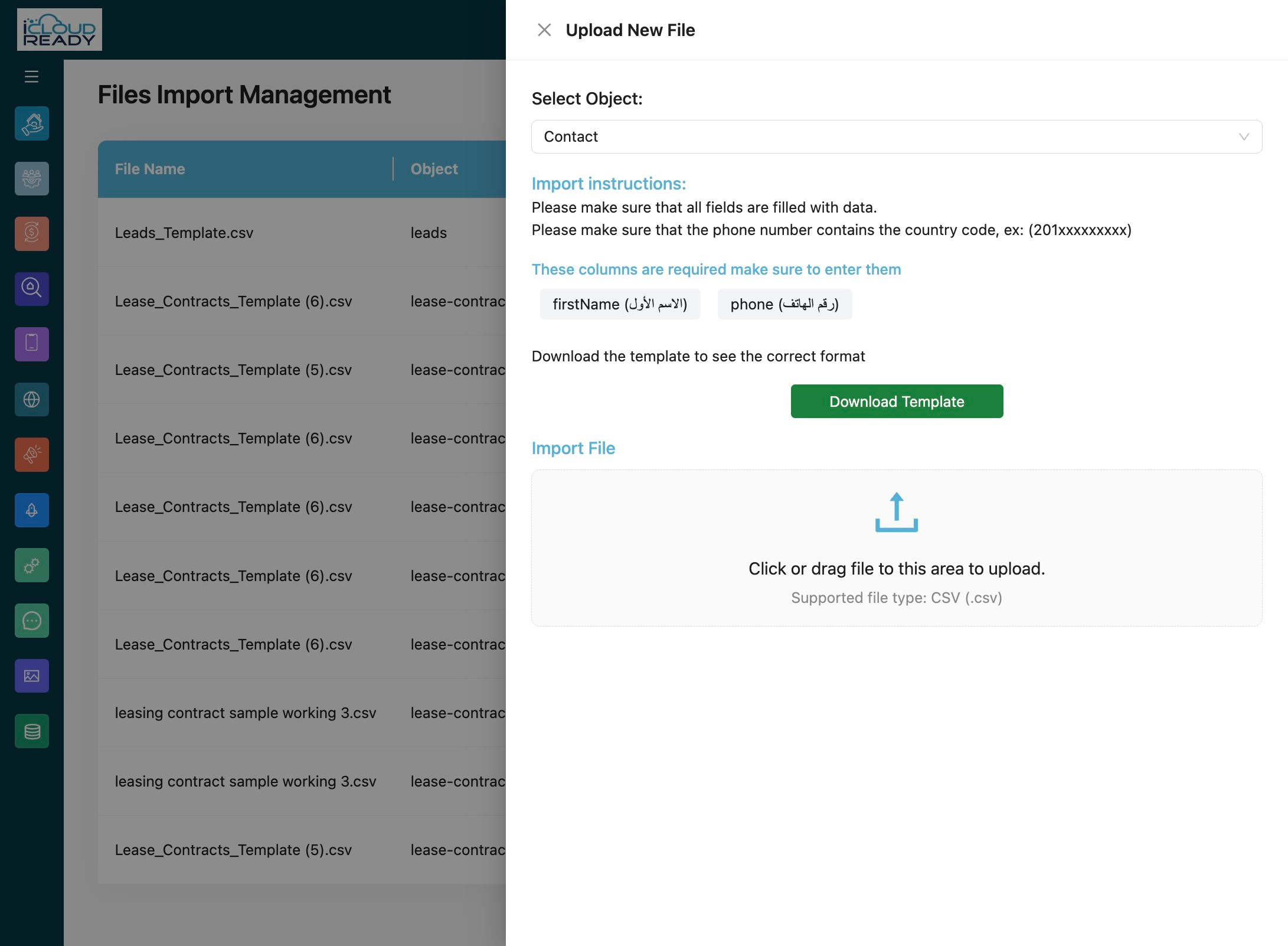
6Click "Download Template"
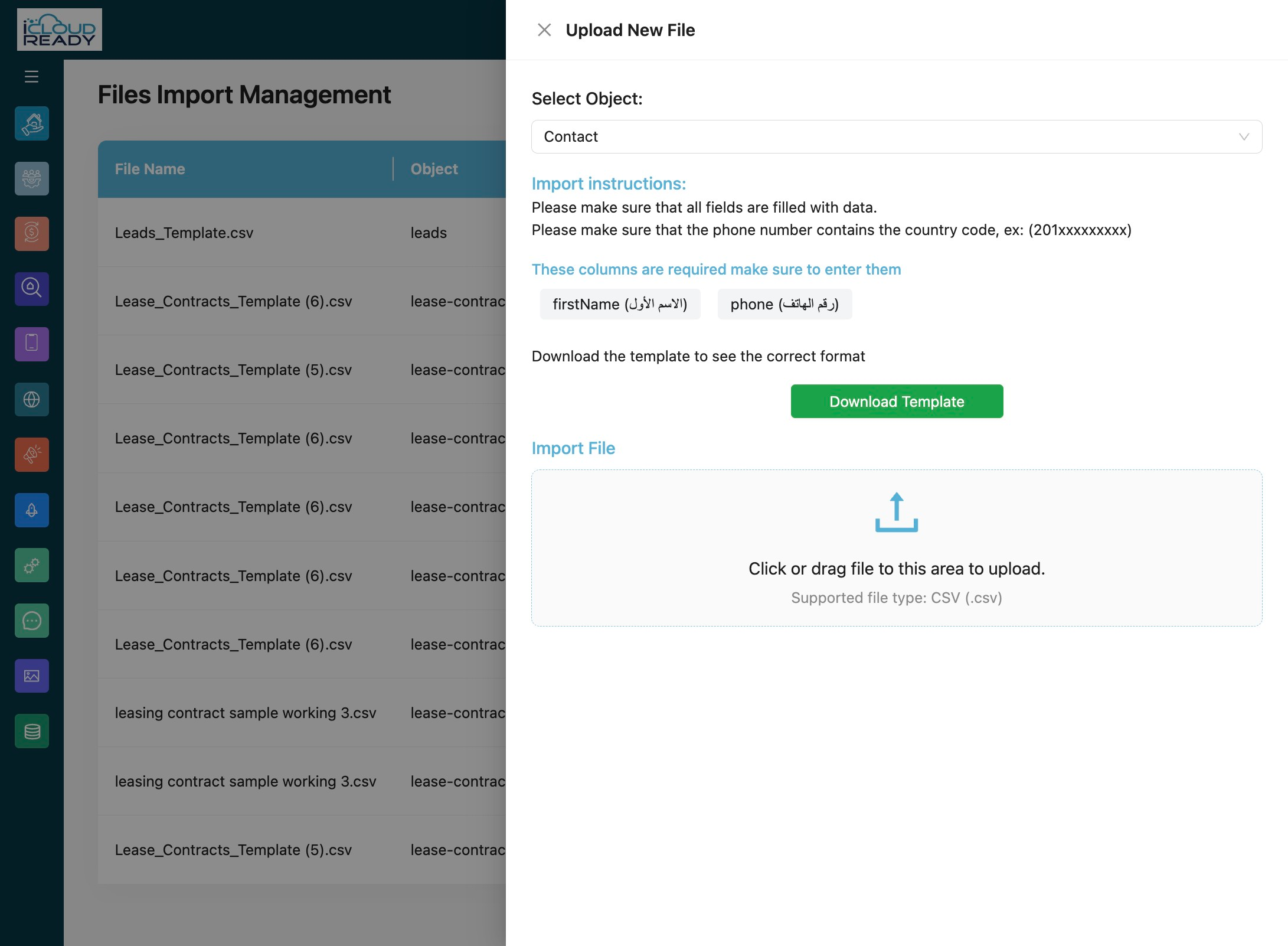
7Click the upload area to select a CSV file
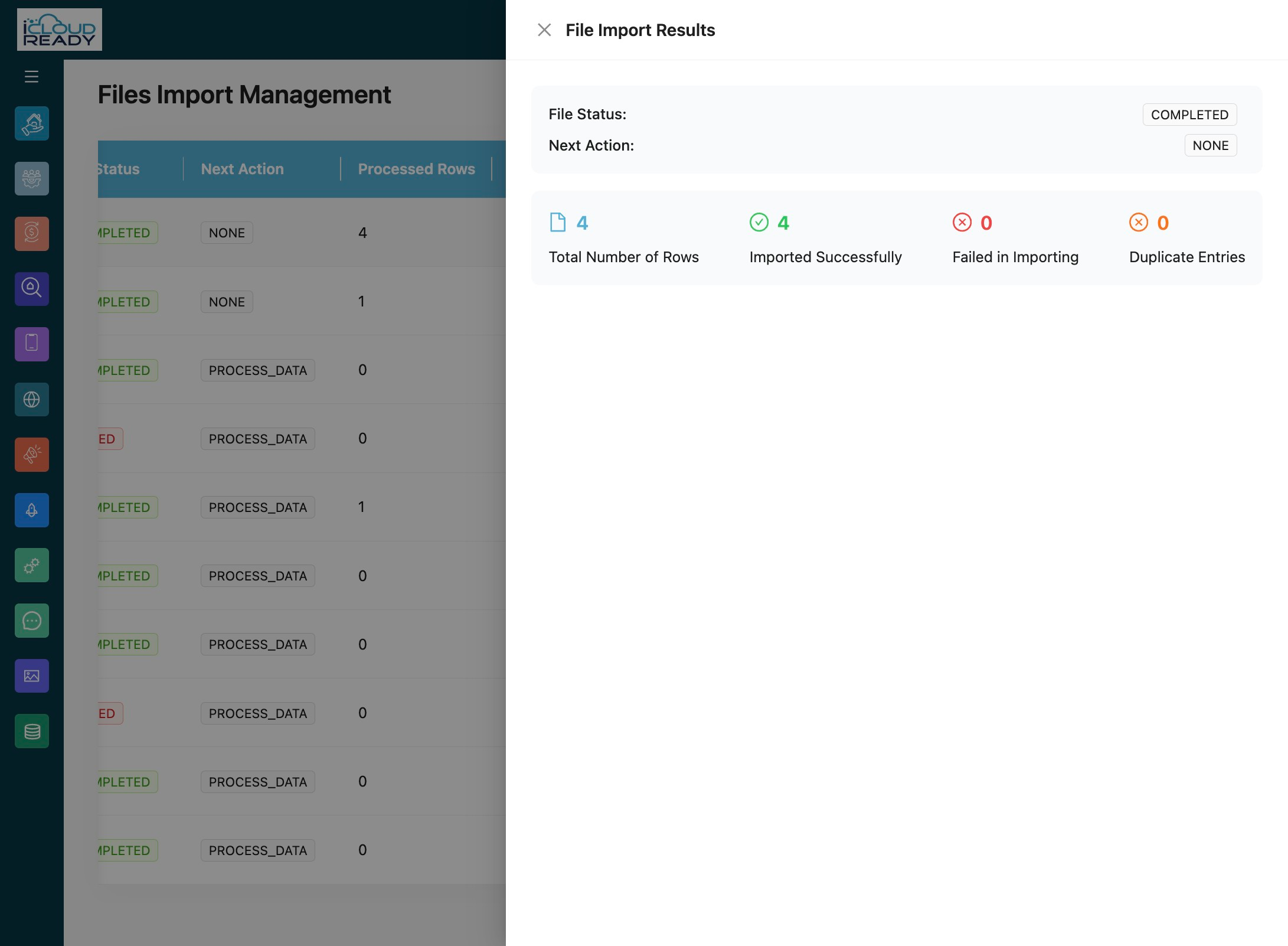
Data Processing and Results
8Click "Map File"
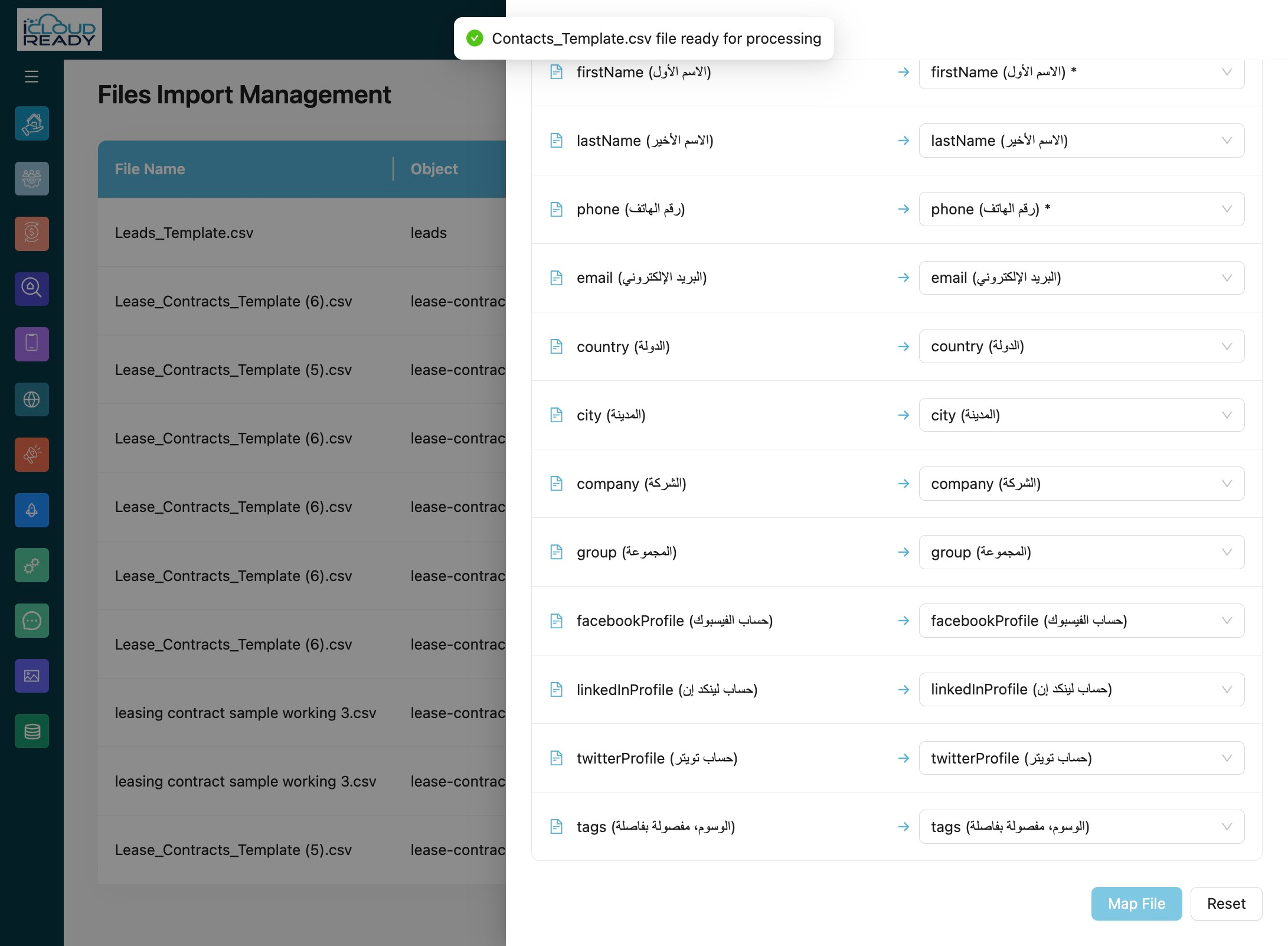
9Click Got it to confirm the successful upload
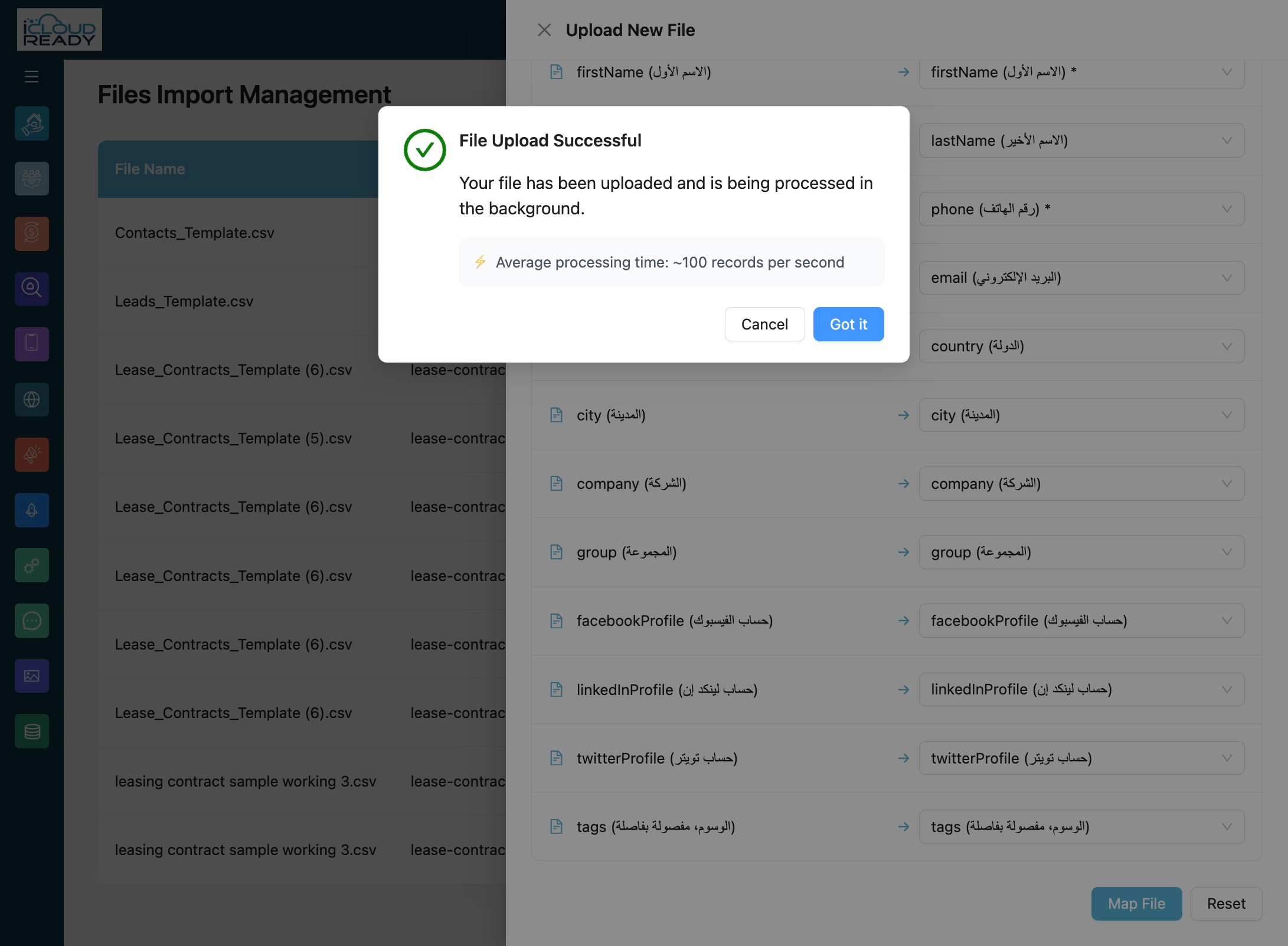
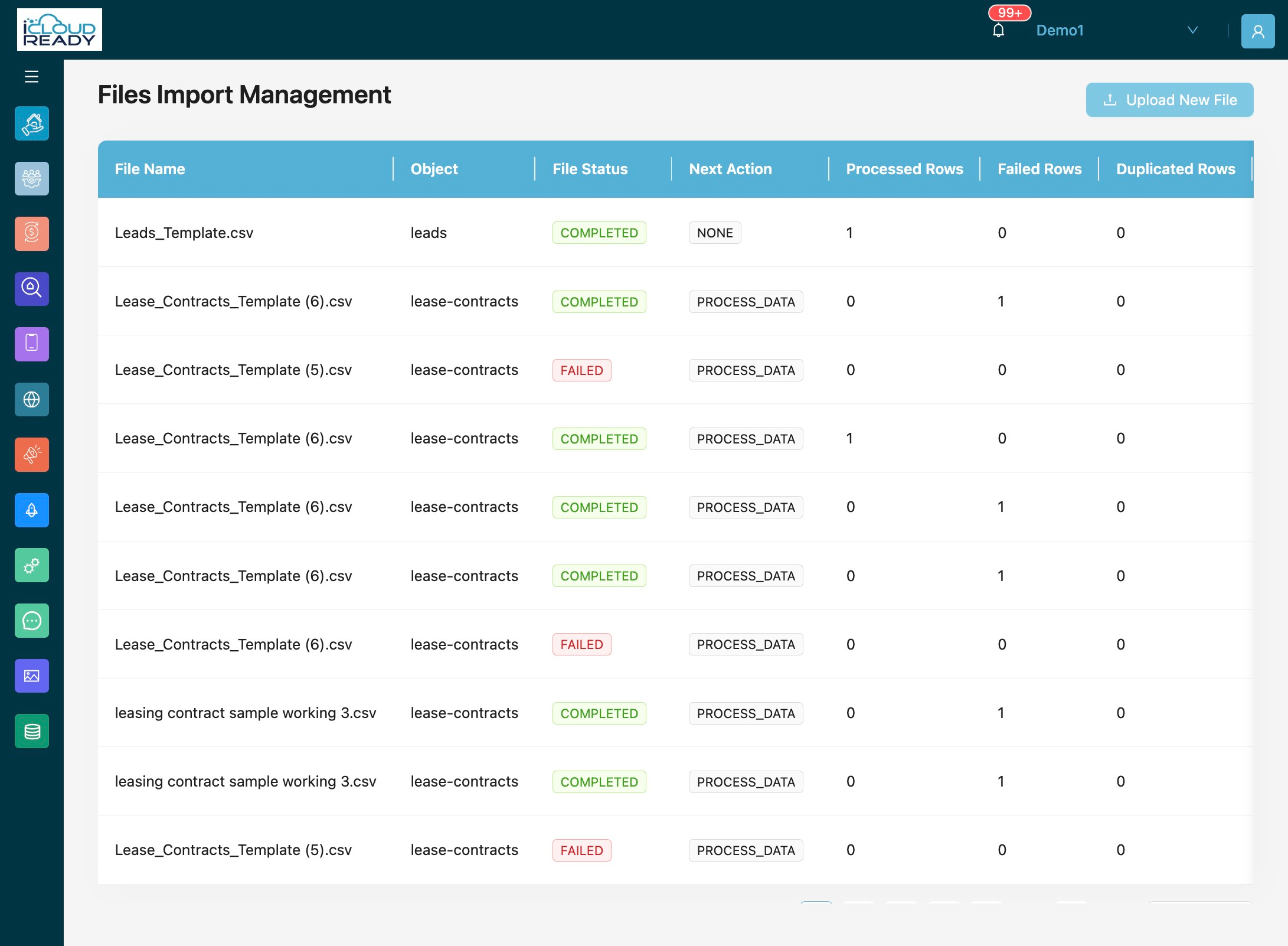
10Click "View Status"
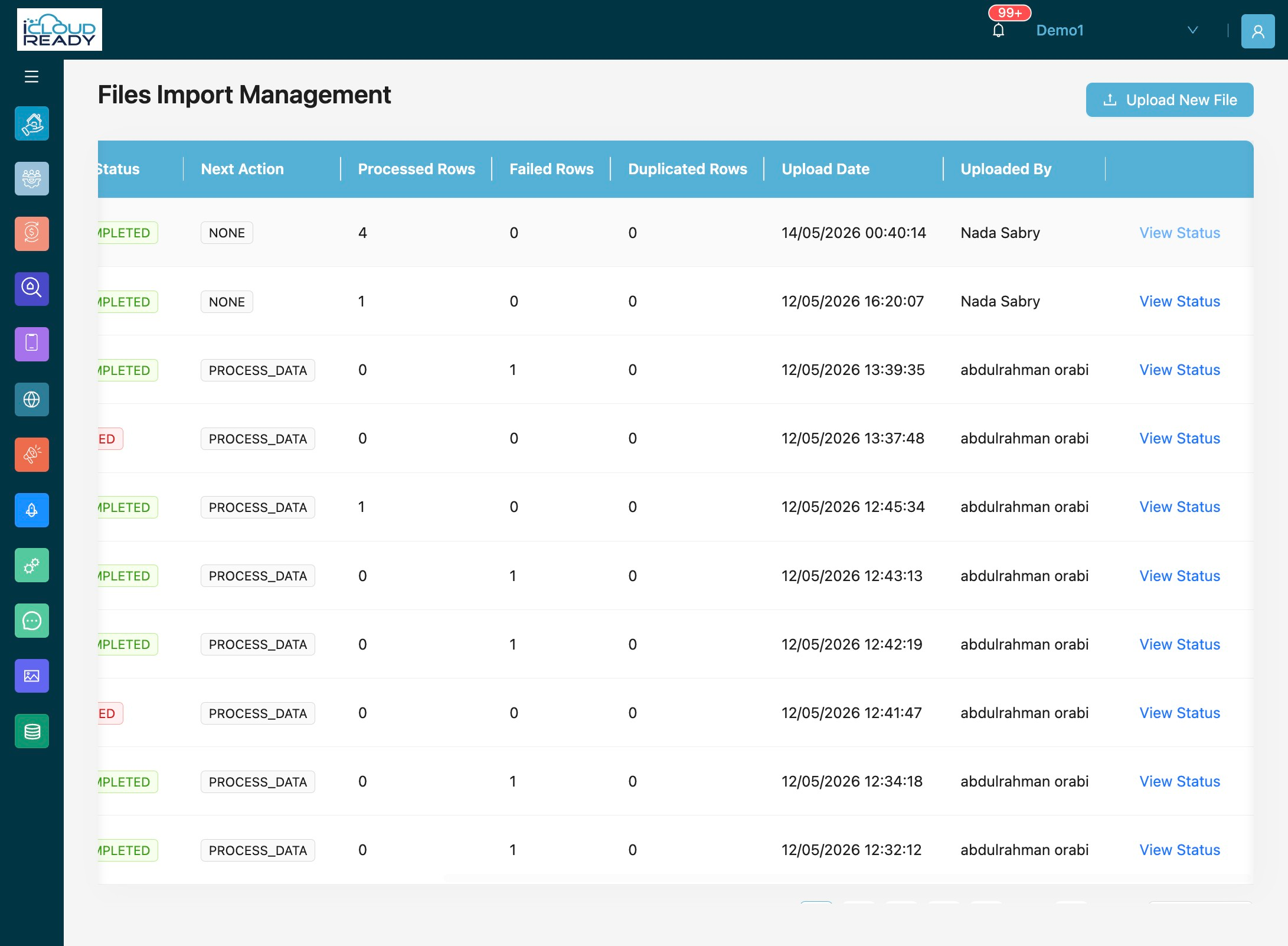
11Click the results summary to view detailed import status