How to Create a Support Ticket in iCloud Ready
Learn how to create a support ticket to get assistance with any issues you may be experiencing. This guide will walk you through the simple steps to submit your request and get the help you need.
1Click "مركز الدعم"
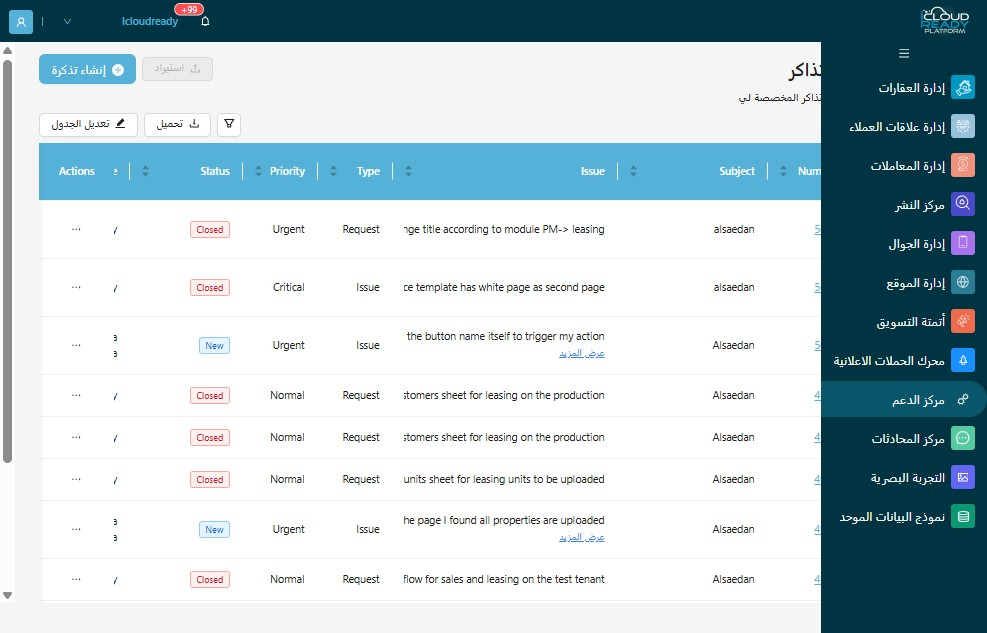
2Click this icon.
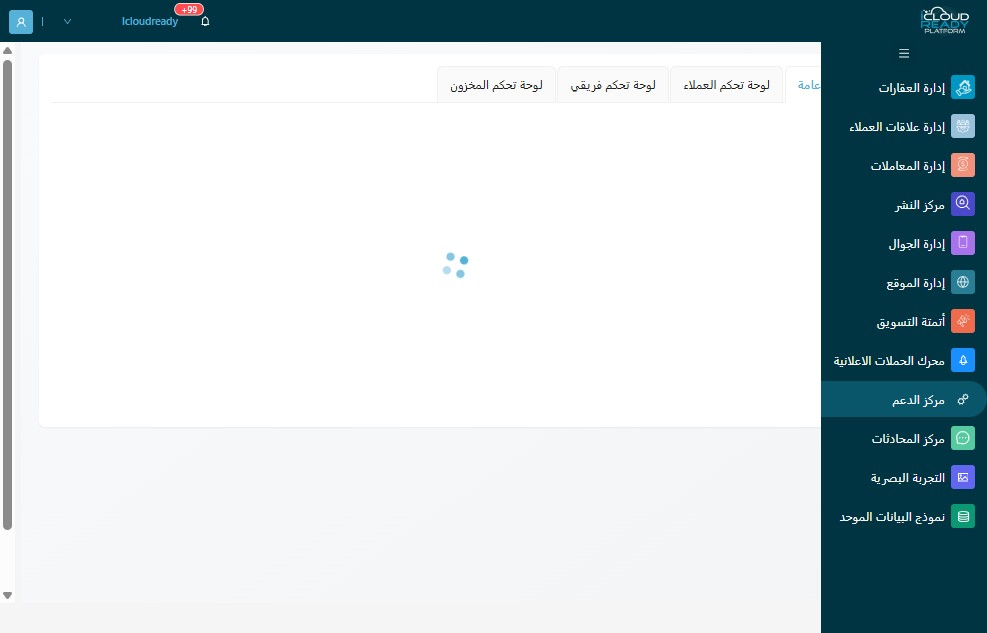
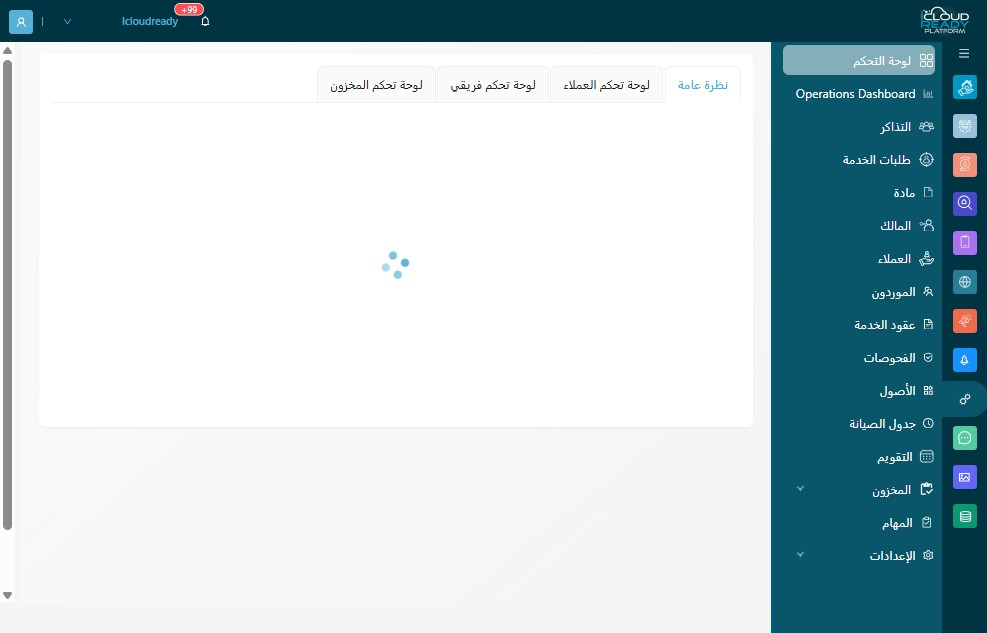
3Click "التذاكر"
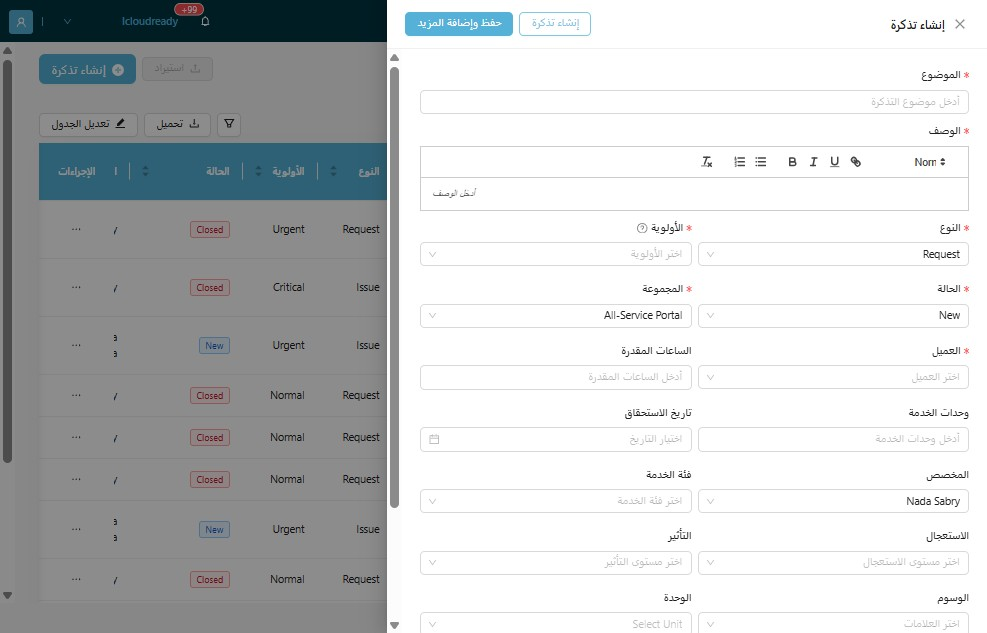
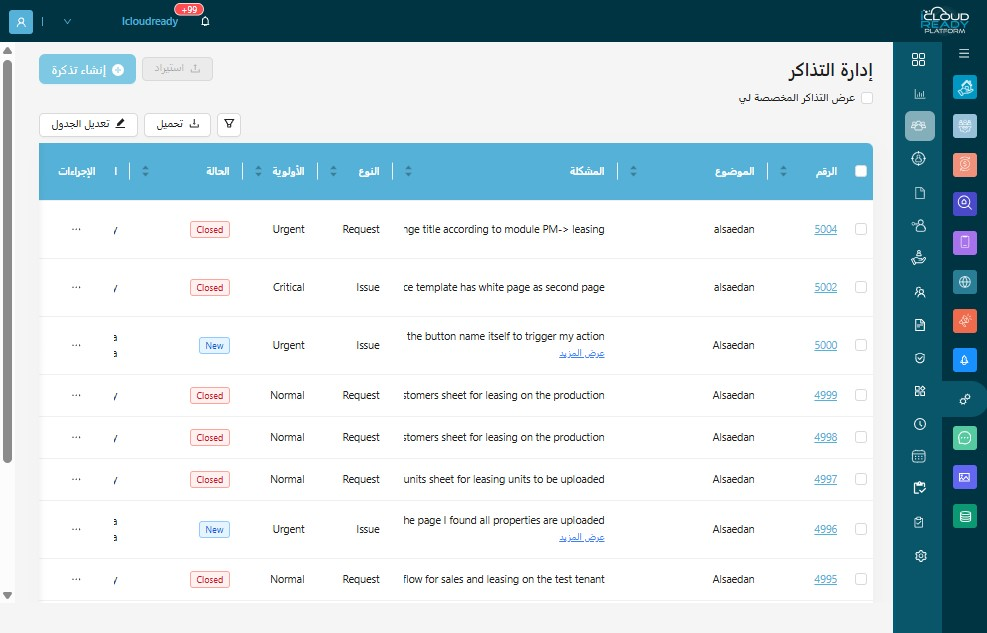
4Click "إنشاء تذكرة"
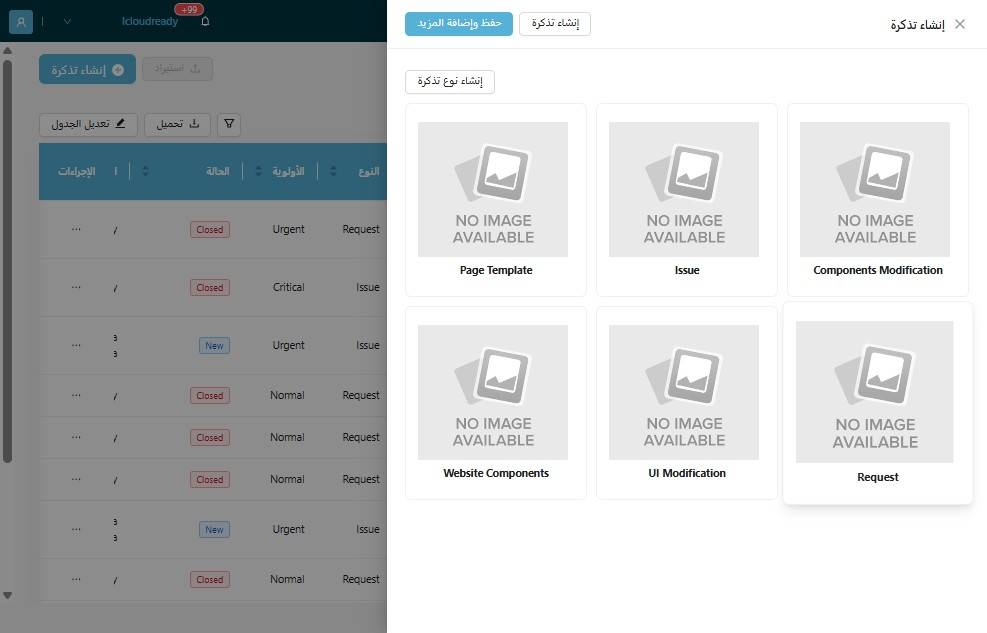
5Click "Request"
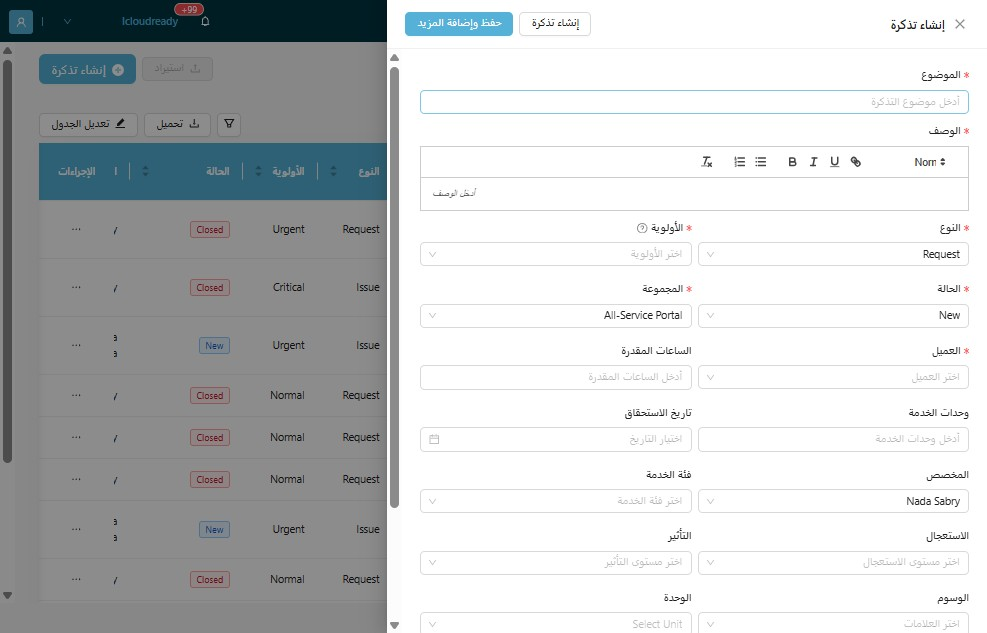
6Click the "الموضوع" field.
7Click here.
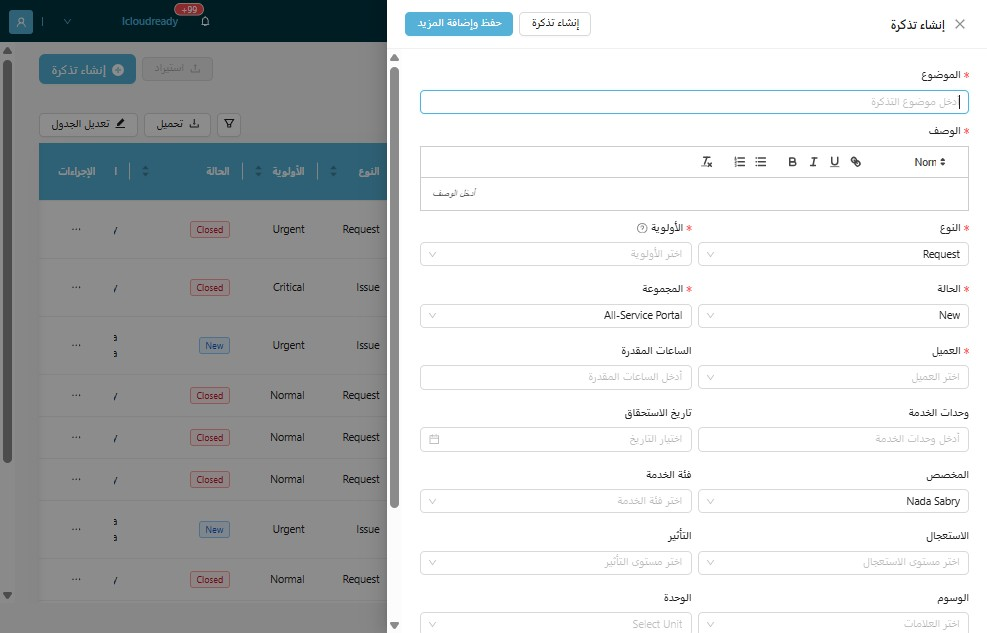
8Click the "الأولوية" field.
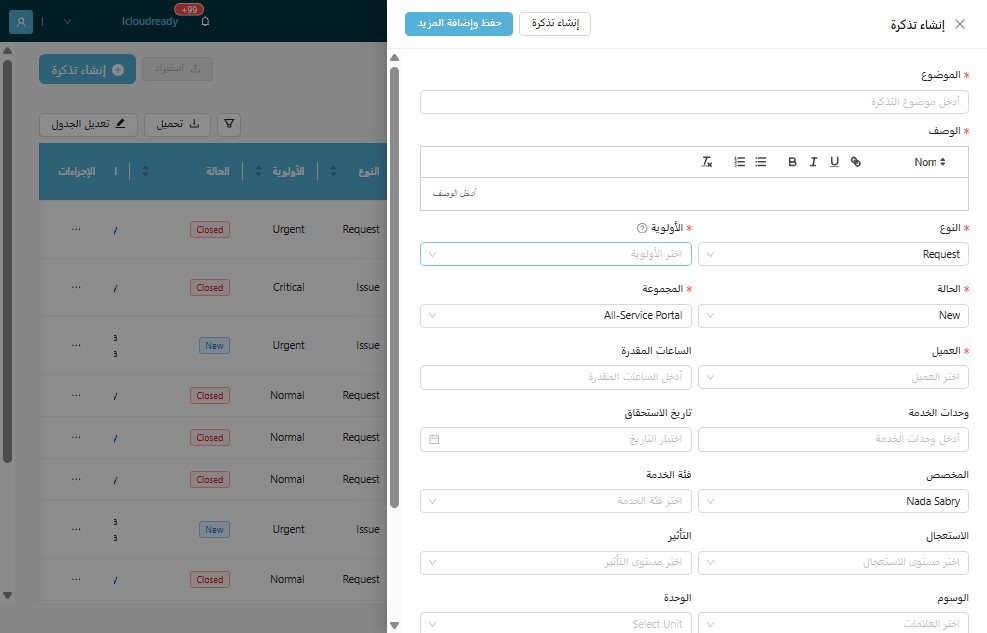
9Click the "العميل" field.
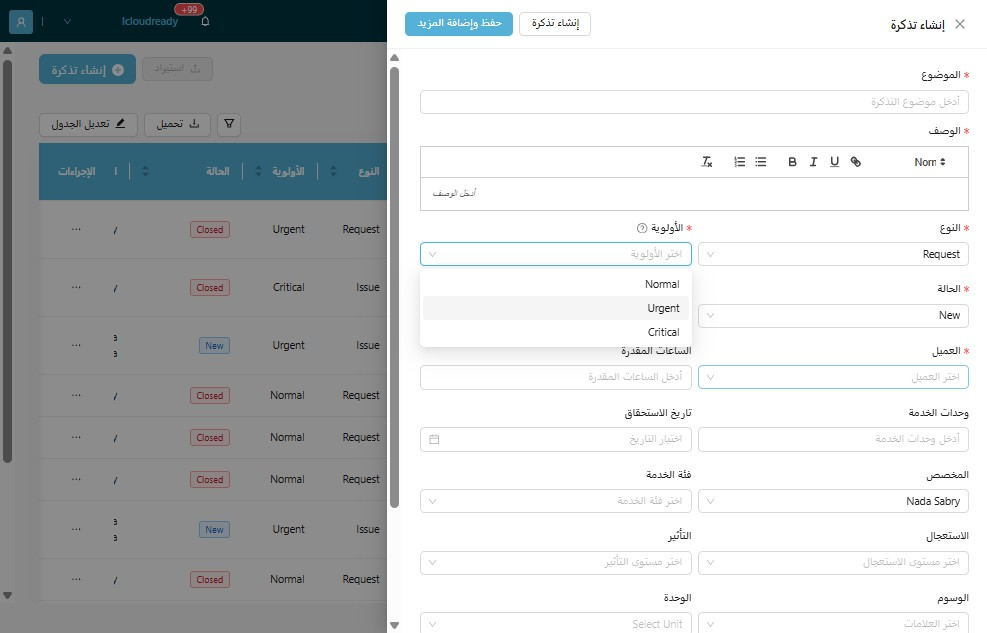
10Click "إنشاء تذكرة"