Enable Two-Factor Authentication and Add New Users in iCloud Ready CRM
Learn how to secure your CRM by enabling two-factor authentication and add new users. This guide walks you through the necessary steps to add a user and activate this essential security feature.
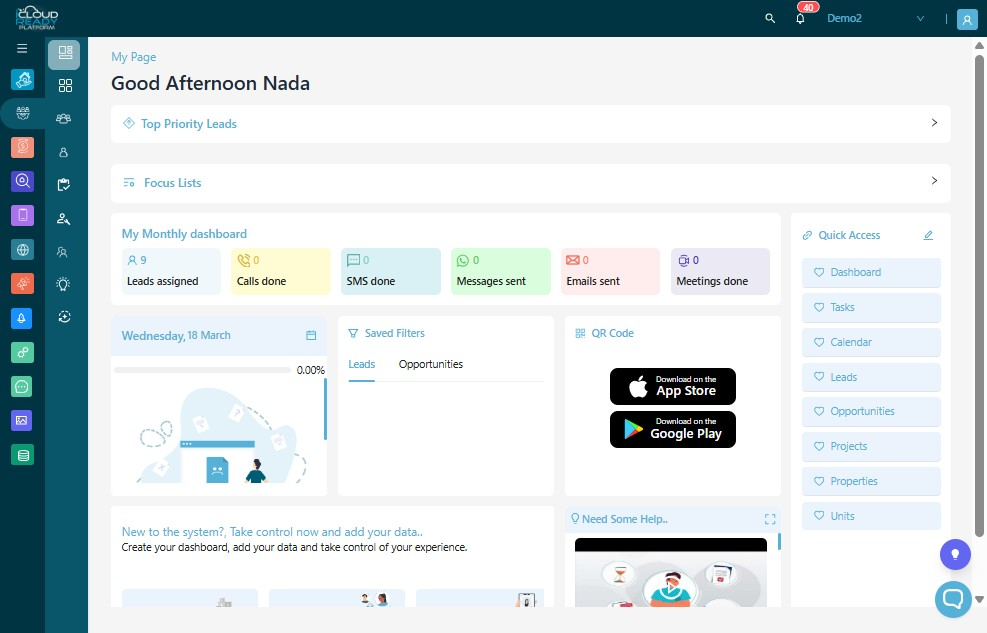
1Click "Profile" icon.
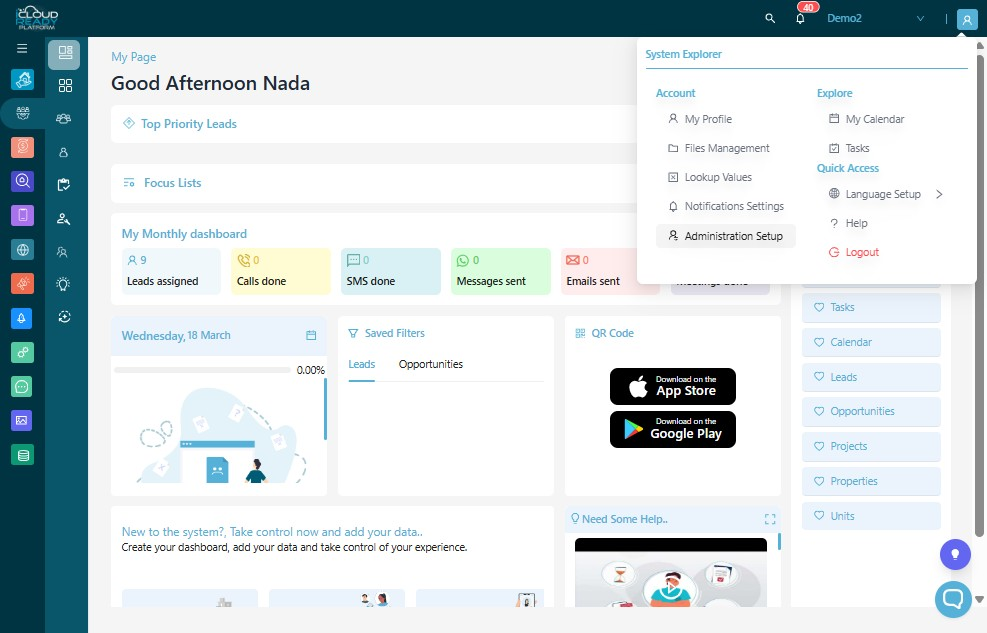
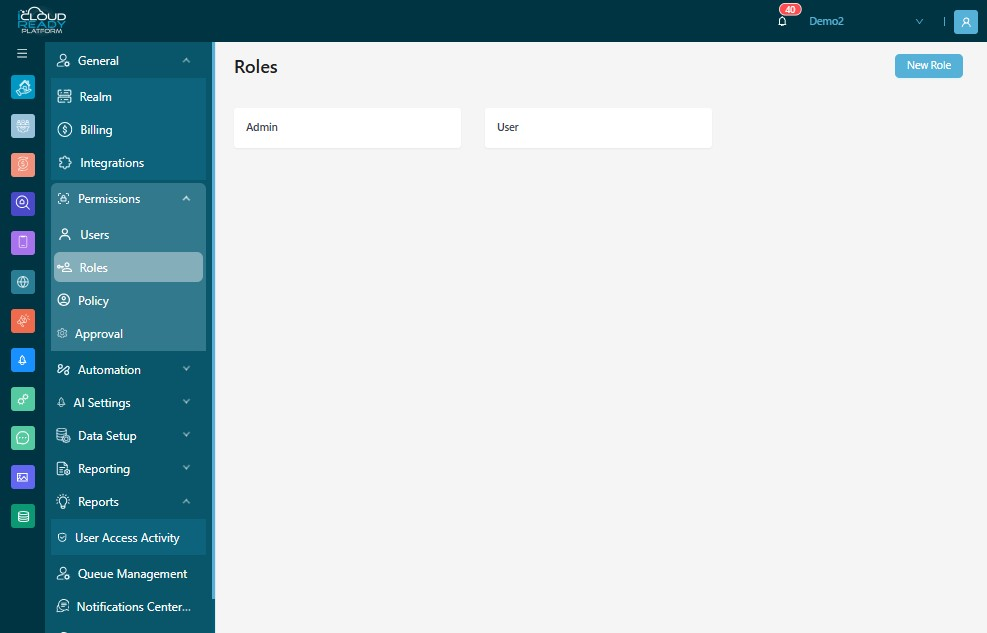
2Click "Administration Setup"
3Click "Permissions"
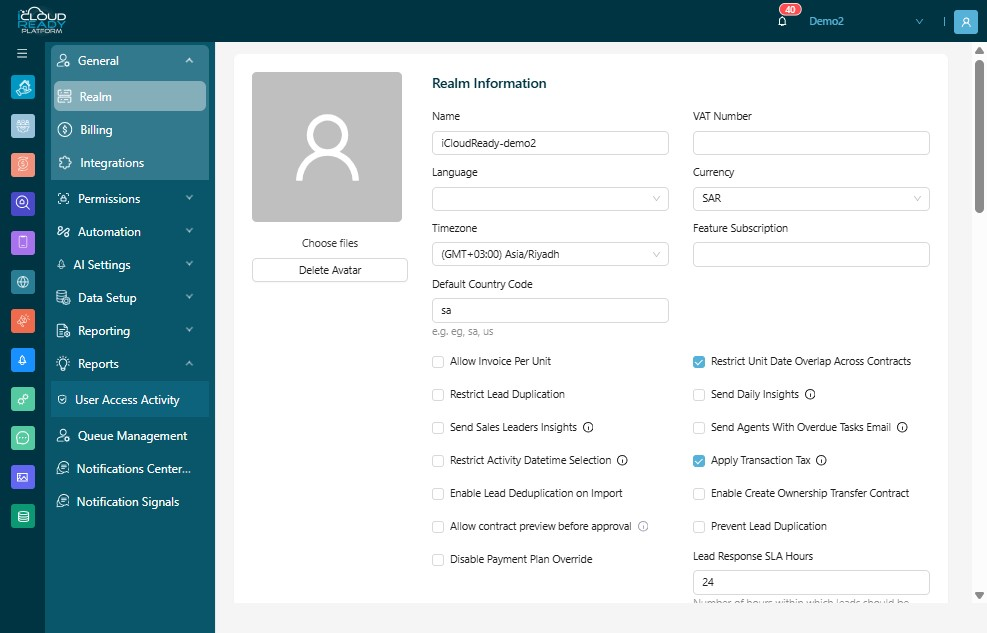
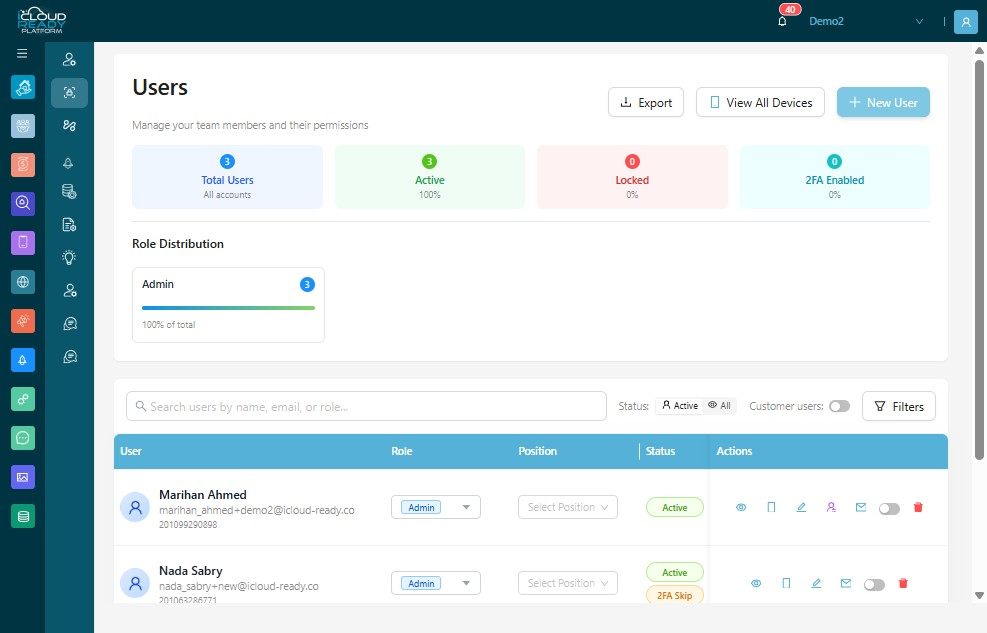
4Click "Users"
5Click "New User"
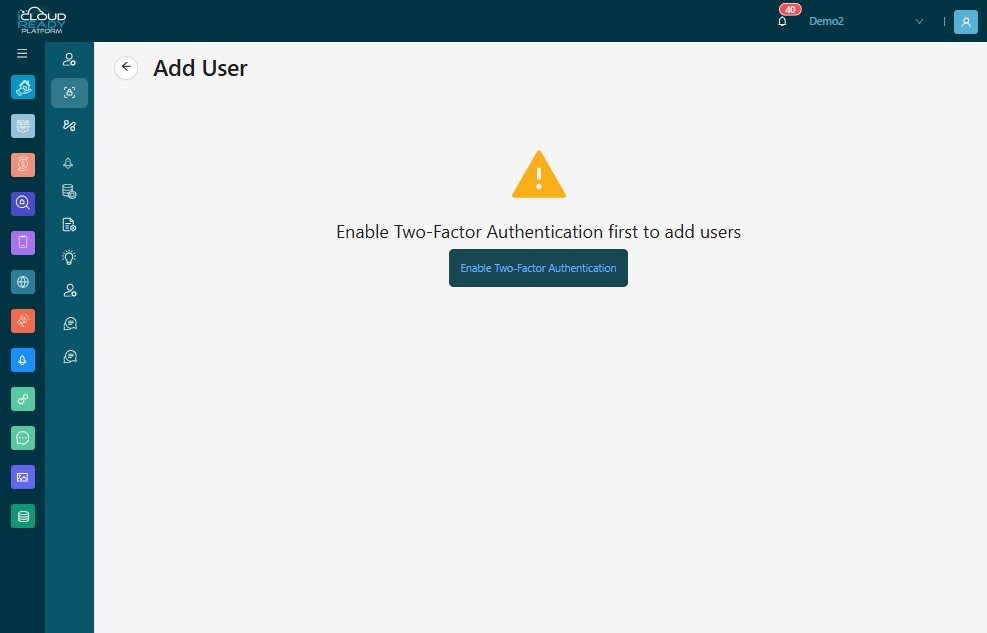
6Click "Enable Two-Factor Authentication"
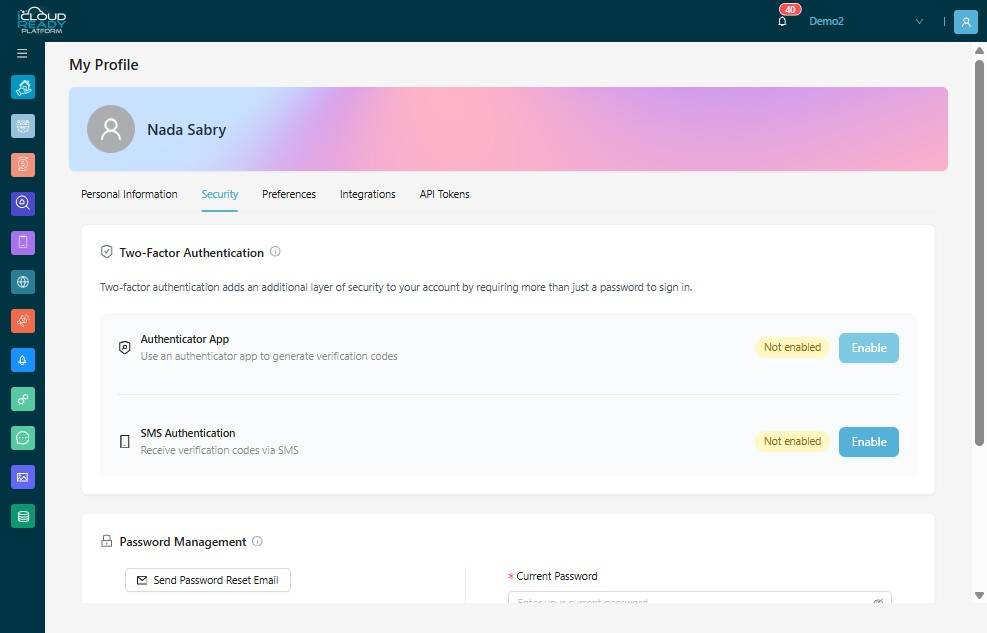
7Click "Enable"
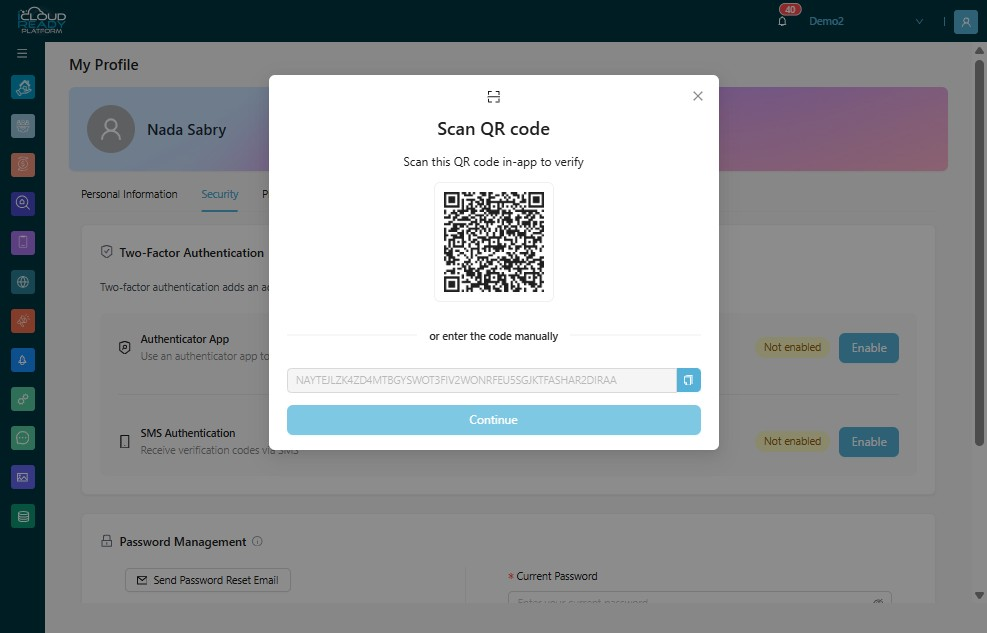
8Scan QR Code from you mobile, then click "Continue"
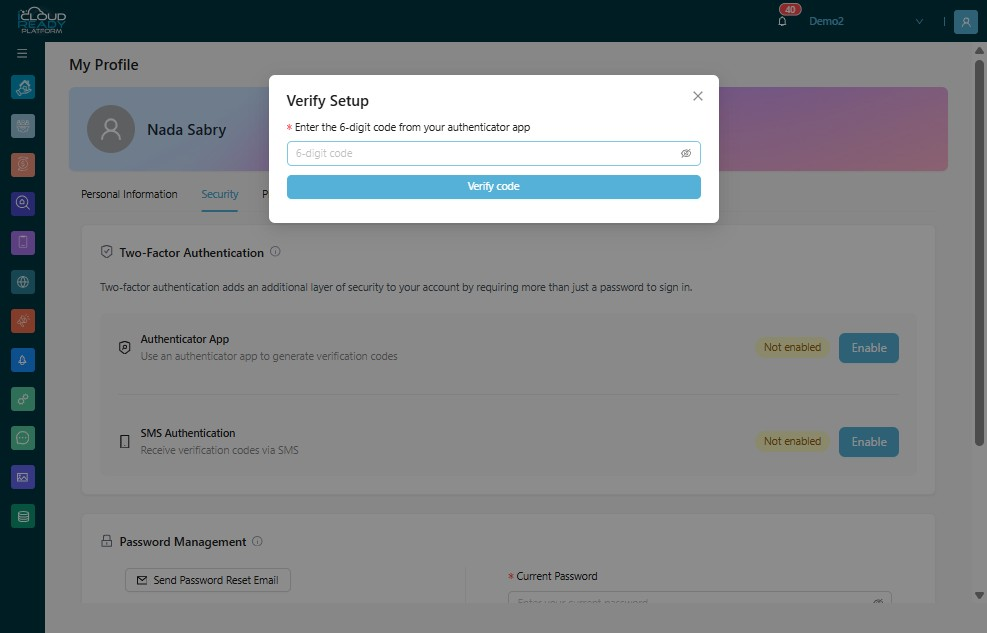
9Enter the 6-digit code from your authenticator app
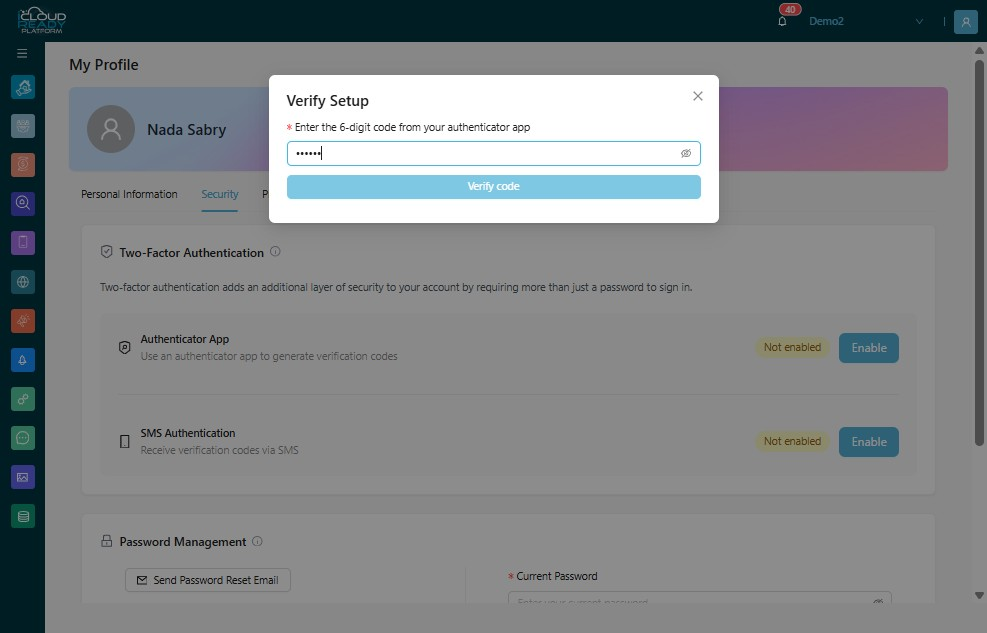
10Click "Verify code"
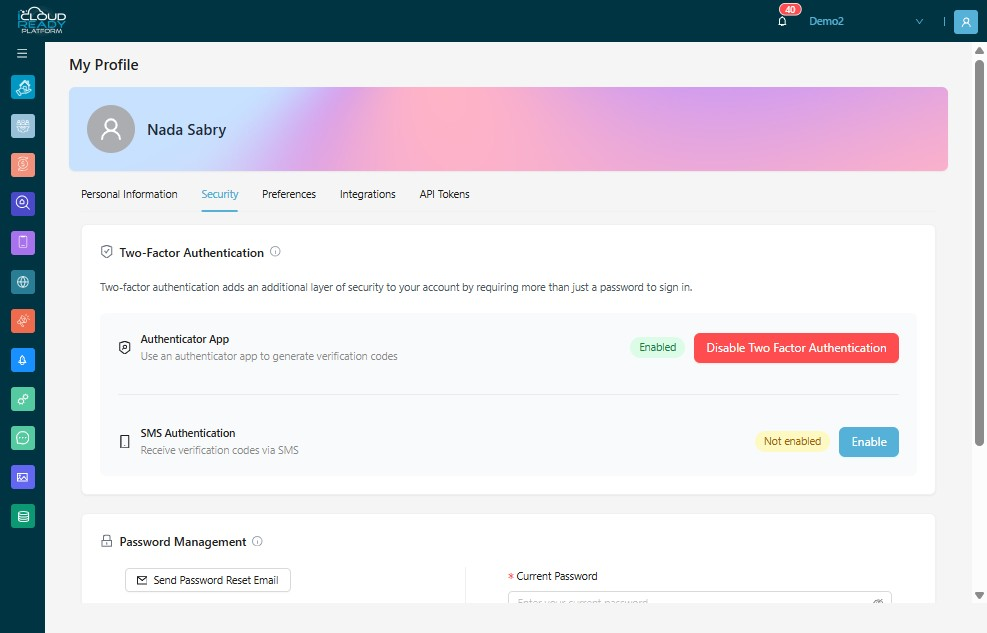
112FA is now "Enabled"
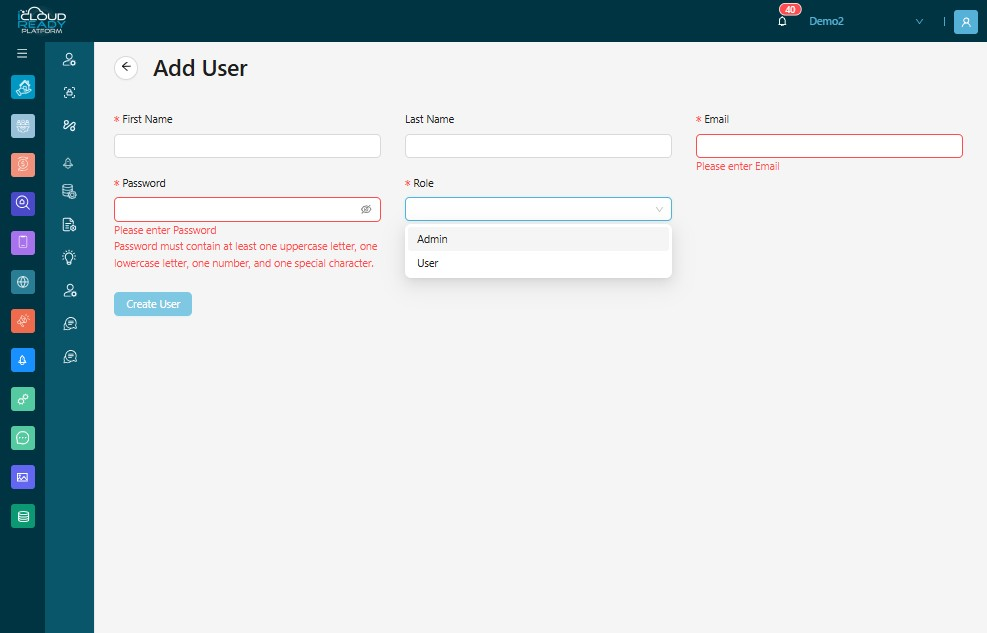
12Type User's "First Name"
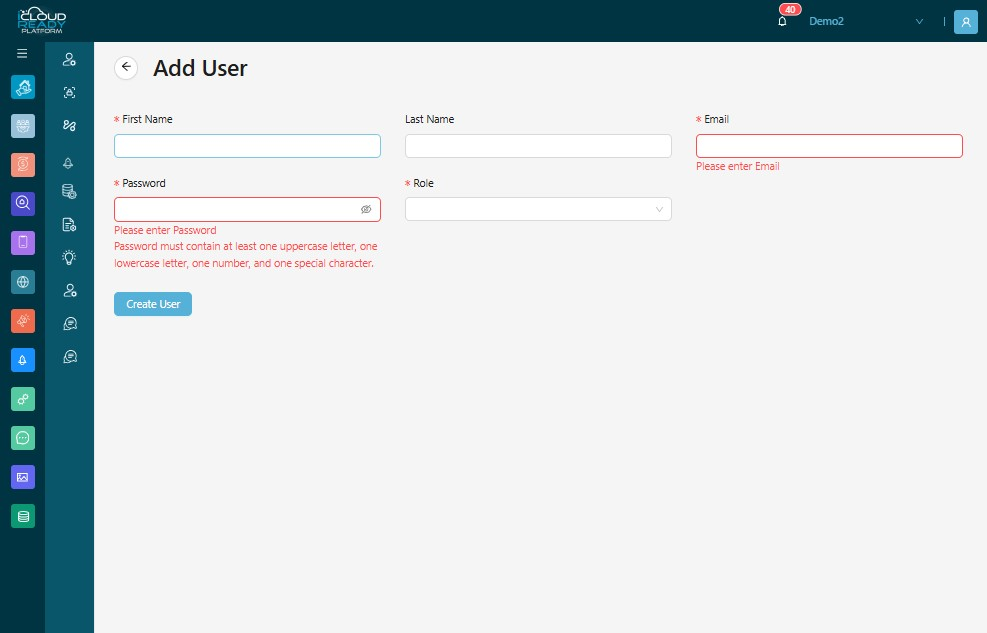
13Type User's "Last Name"
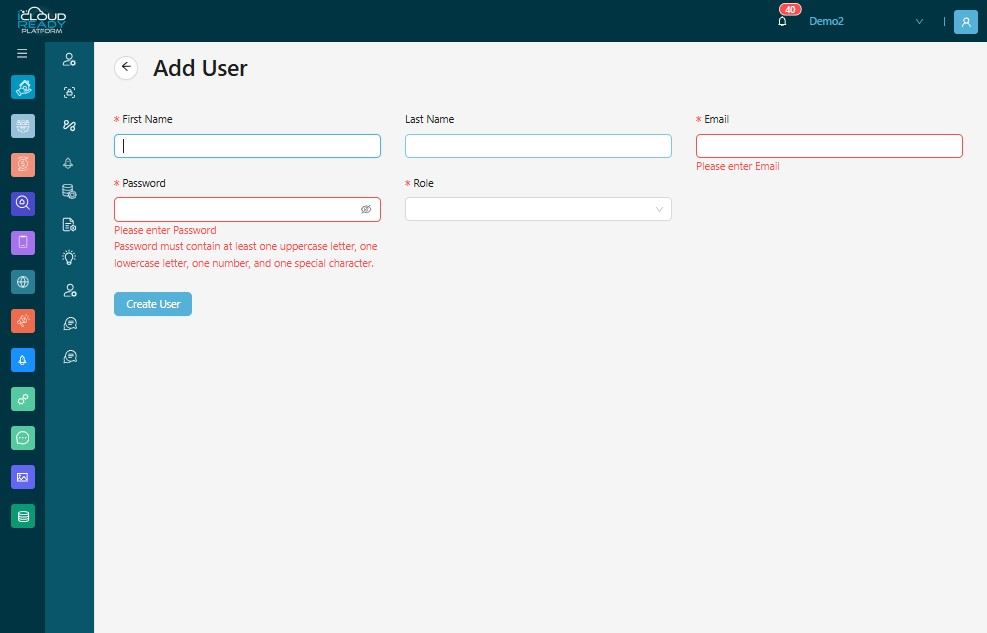
14Enter User's "Email"
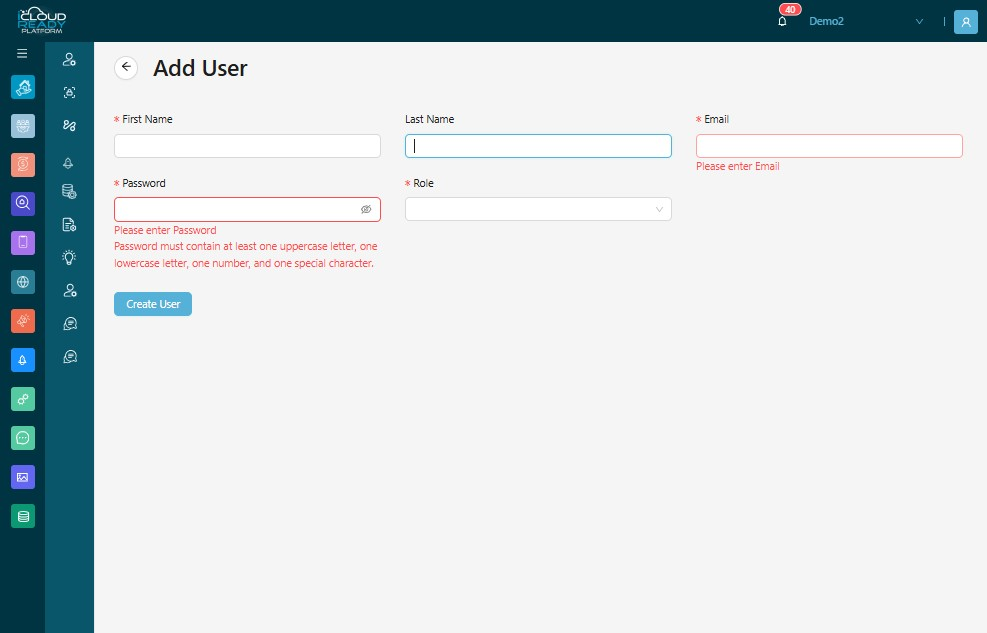
15Enter User's "Password"
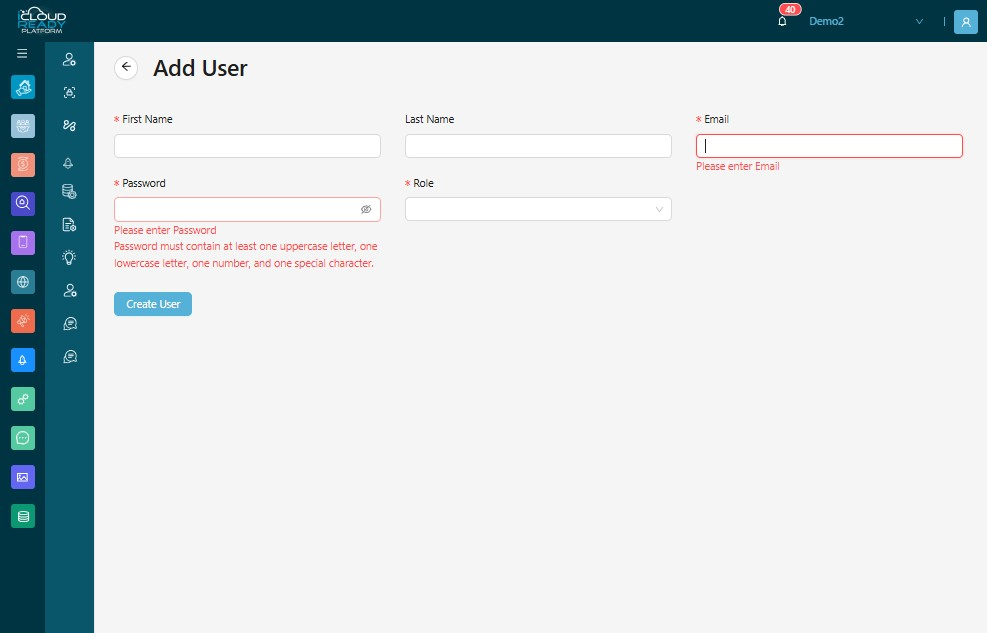
16Choose User's "Role"
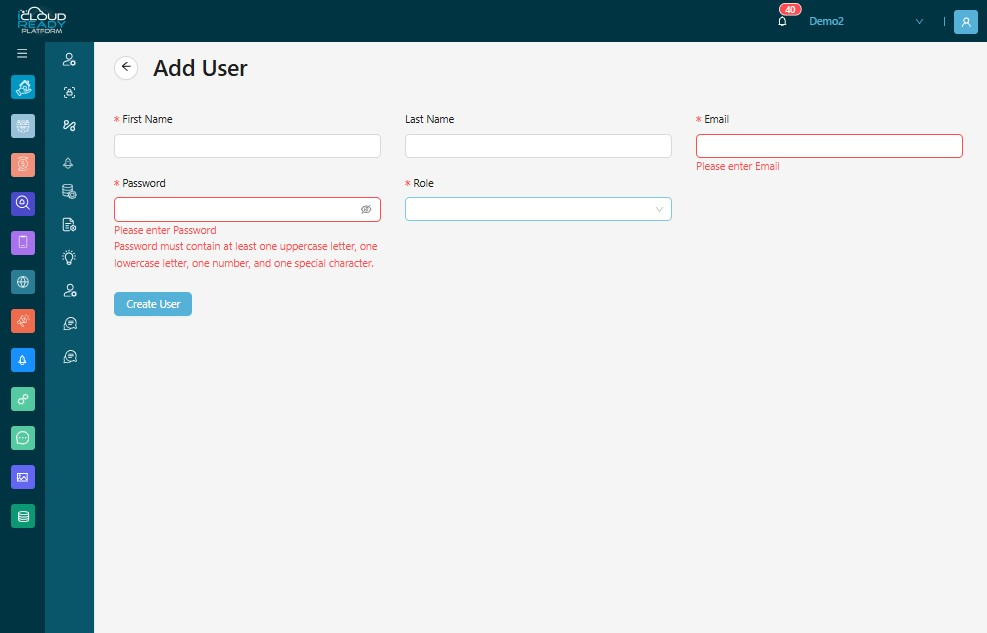
17Click "Create User"