Create a New Ticket in iCloud-Ready
Learn how to create a new ticket in iCloud-Ready step-by-step. This guide walks you through the process of entering issue details, customer information, and setting priority to ensure your tickets are handled efficiently.
1Click "Tickets"
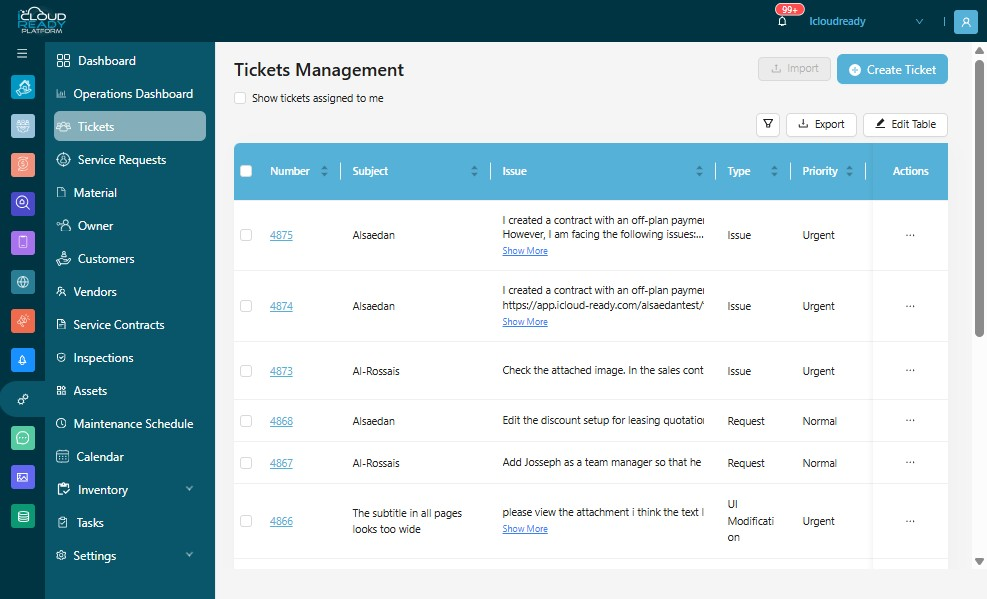
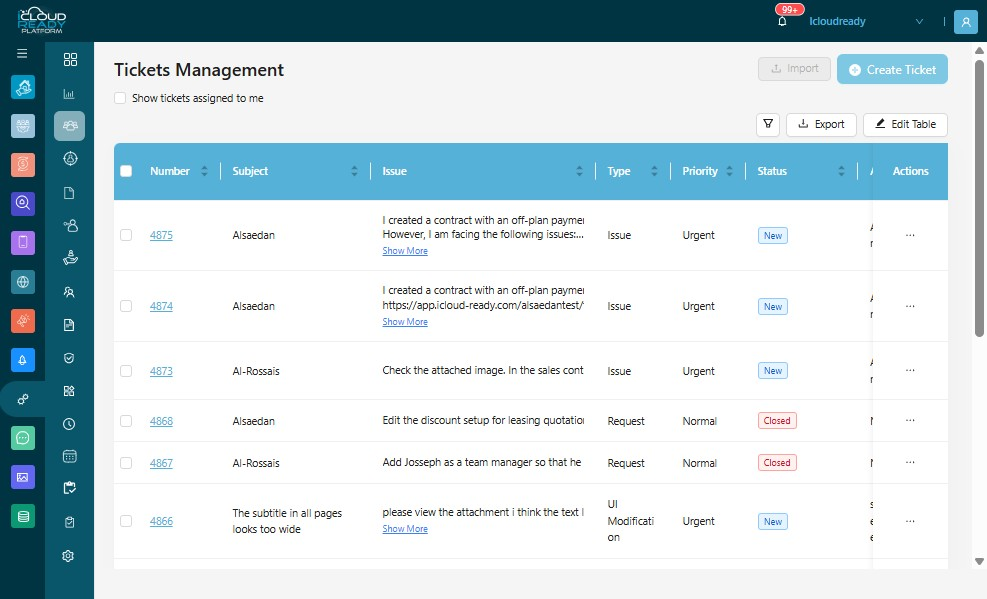
2Click "Create Ticket"
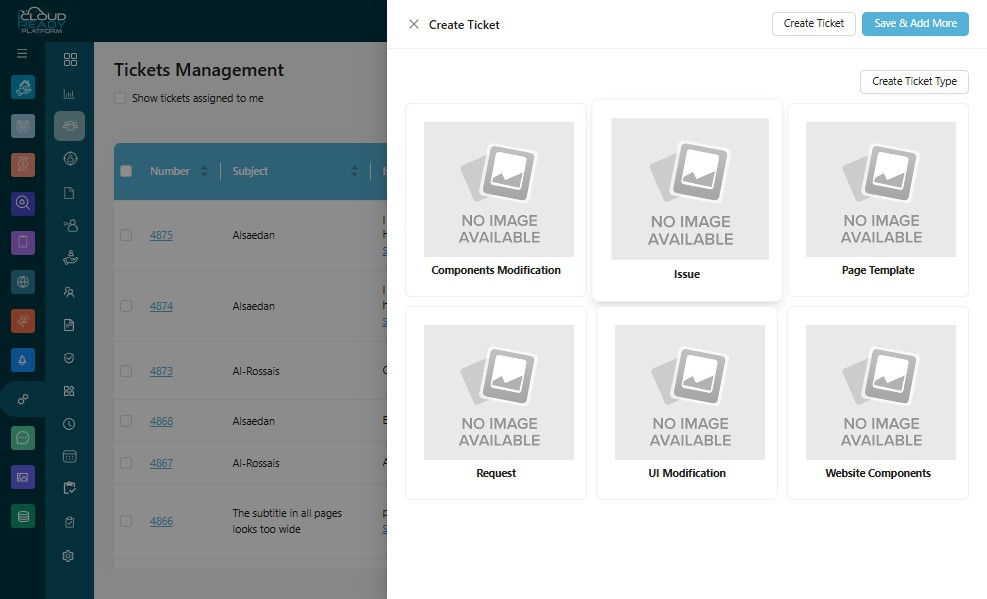
3Click "Issue"
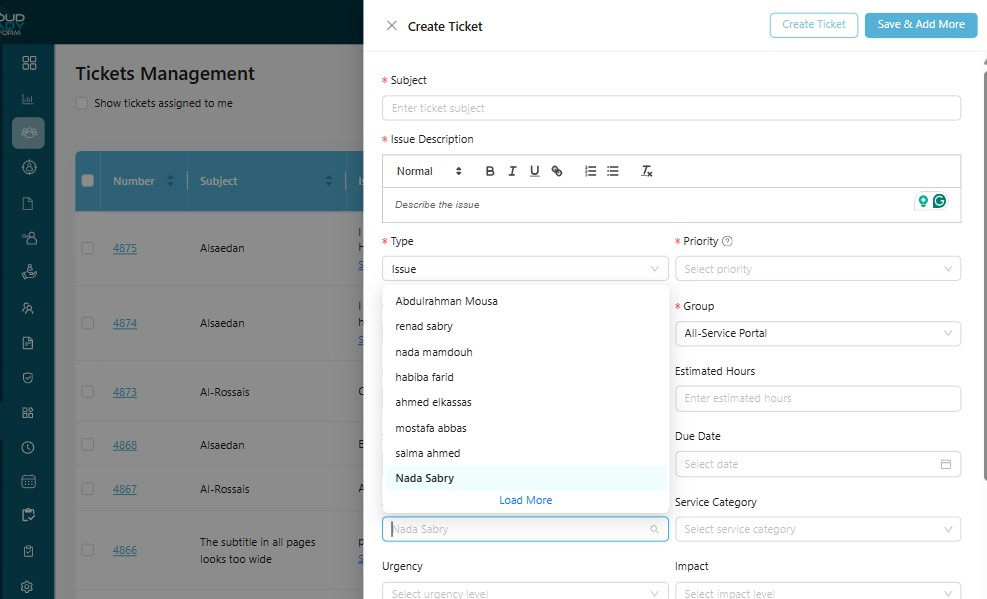
4Click the "Subject" field.
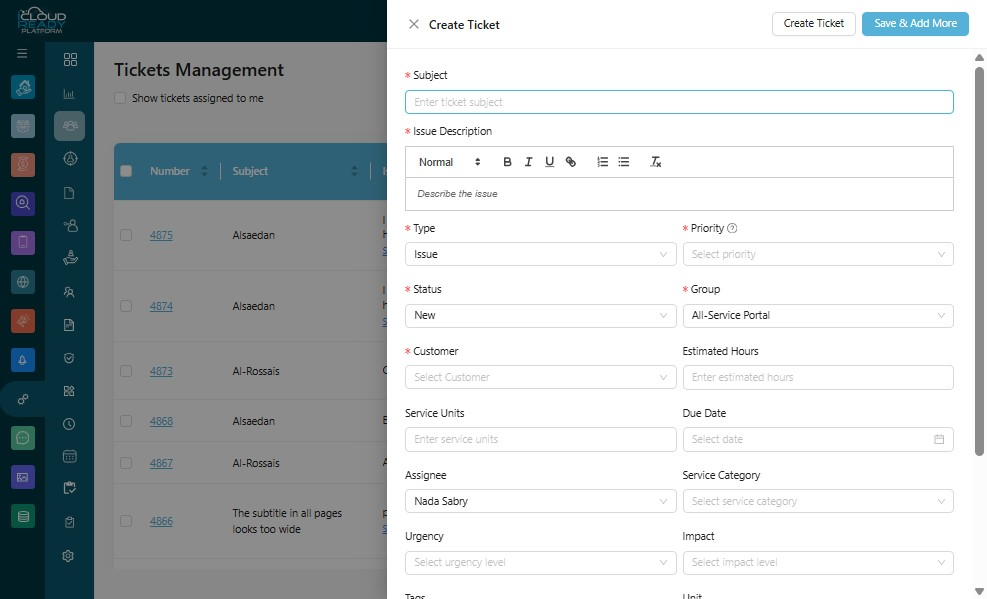
5Click here.
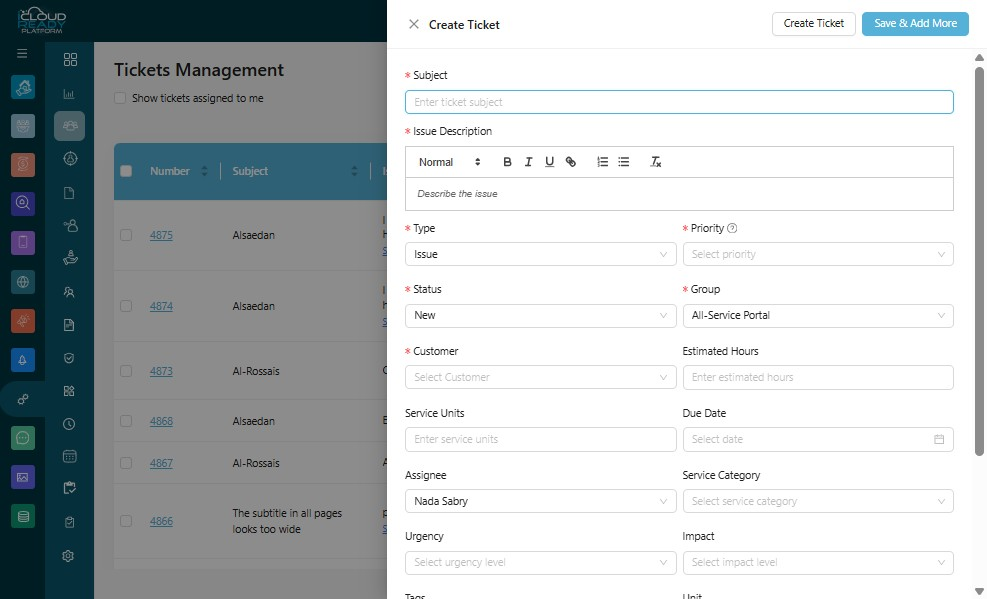
6Click the "Priority" field.
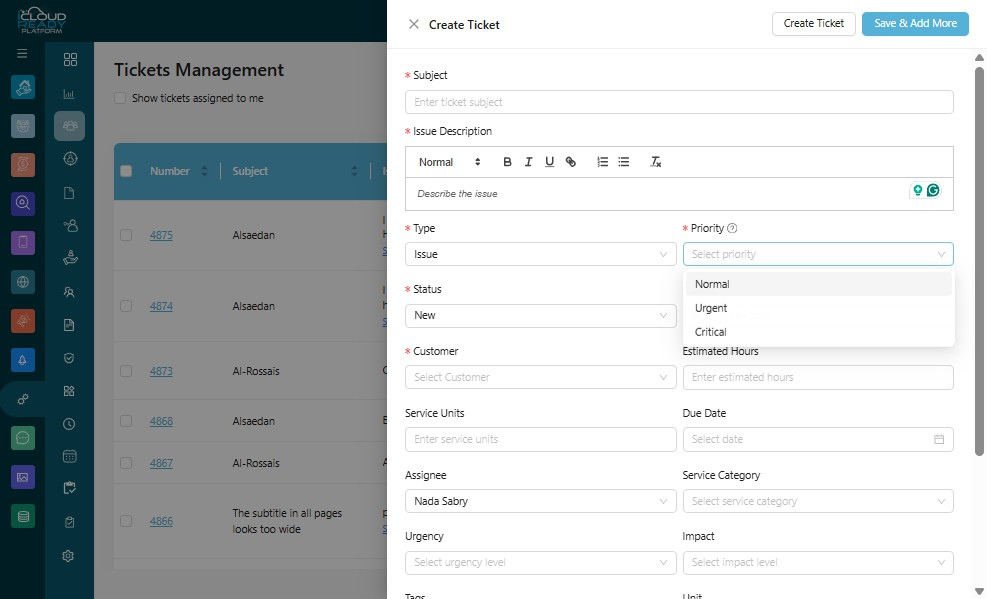
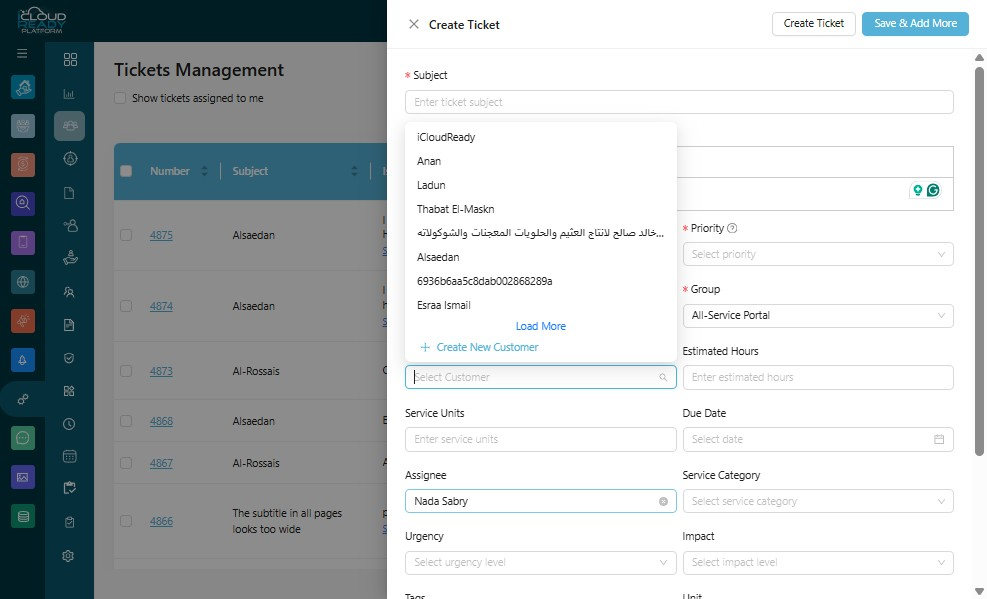
7Click the "Customer" field.
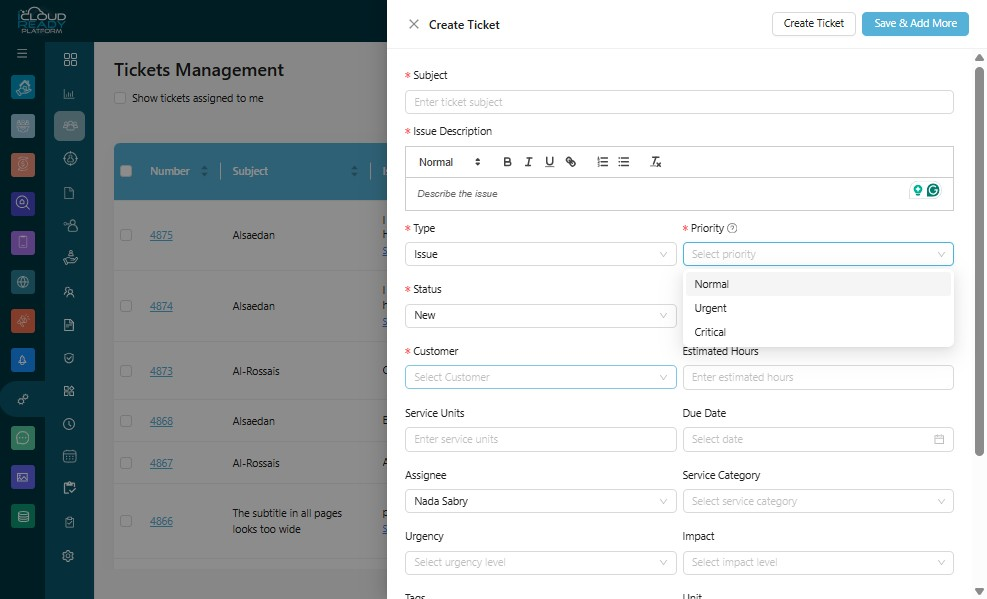
8Click "Nada Sabry"
9Click "Create Ticket"